The fastest fix for no sound while streaming is to set the device’s audio output to PCM or Stereo, then reseat the HDMI cable and confirm the correct output device — most audio failures are a format mismatch the TV or receiver can’t decode. This guide lists causes by likelihood, gives graduated diagnosis steps, and includes a diagnosis table and per-device fixes. It relates to our streaming audio formats and HDMI versions guides.
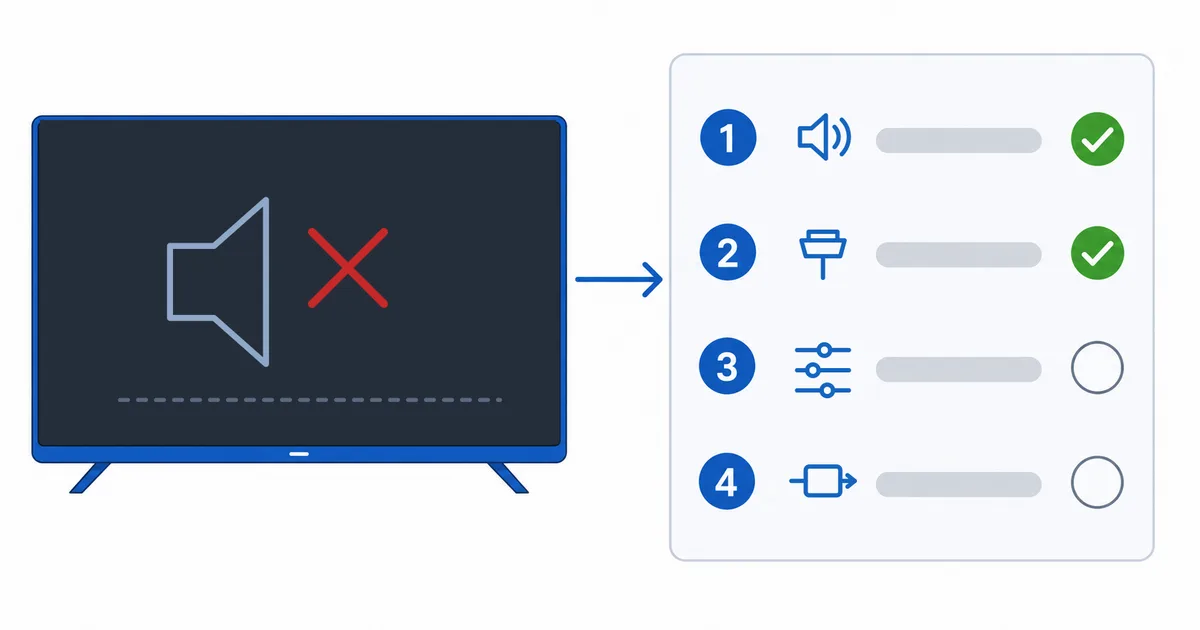
Causes, Most to Least Common
- Audio-format mismatch — the device outputs Dolby/surround the TV/receiver can’t decode.
- Wrong output or muted — audio sent to the wrong device, or muted.
- HDMI cable/input issue — loose cable or an input without audio.
- AV receiver settings — wrong input, format or passthrough.
- App or temporary glitch — cleared by a restart.
Diagnosis: Easiest First
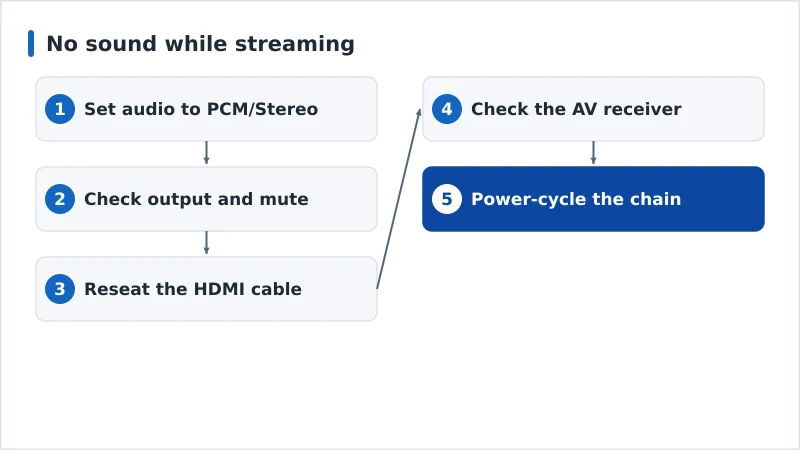
- Set audio to PCM/Stereo — the most compatible output; fixes most format issues.
- Check output and mute — correct audio device selected, nothing muted.
- Reseat the HDMI cable and try another input.
- Check the AV receiver — right input, matching format, passthrough on.
- Power-cycle the device, TV and receiver to re-establish the audio handshake.
Diagnosis Table
| Symptom | Likely cause | Fix |
|---|---|---|
| No sound at all | Format mismatch / mute | Set PCM/Stereo; unmute; check output |
| Stereo works, surround silent | Passthrough/decode issue | Enable receiver passthrough or use PCM |
| No audio via receiver only | Receiver input/format | Correct input; match format; test direct to TV |
| Sound drops on one input | HDMI cable/port | Reseat cable; try another input |
| No sound in one app only | App glitch | Restart or reinstall the app |
By Device
- Fire TV: Settings → Display & Sounds → Audio — set surround to PCM/Stereo or disable Dolby if unsupported.
- Apple TV: Settings → Video and Audio — set Audio Format to Stereo, or Change Format if surround is silent.
- Android TV: adjust audio output/format in settings; try PCM.
- Soundbar / AV receiver: use HDMI ARC/eARC for TV audio; match the receiver’s format and enable passthrough — see streaming audio formats.
The Bottom Line
No sound while streaming is usually an audio-format mismatch: set the device to PCM/Stereo, confirm the right output and that nothing is muted, reseat the HDMI cable, and check your AV receiver’s input and passthrough. Surround formats need every device in the chain to support them. Understand formats in our streaming audio formats guide and connections in our HDMI versions guide, fix related issues in our audio/video sync guide and black screen guide, and start from our streaming troubleshooting checklist, and look up any term in the streaming glossary.