The fastest fix for buffering is to improve your connection — wire up with Ethernet or move closer to the router — and lower the streaming quality in the app. Most buffering is a Wi-Fi or bandwidth problem, not the service. This guide lists the causes in order of likelihood, gives graduated diagnosis steps from easiest to hardest, and includes a diagnosis table and per-device fixes. It builds on our internet speed for streaming and Wi-Fi vs Ethernet guides.
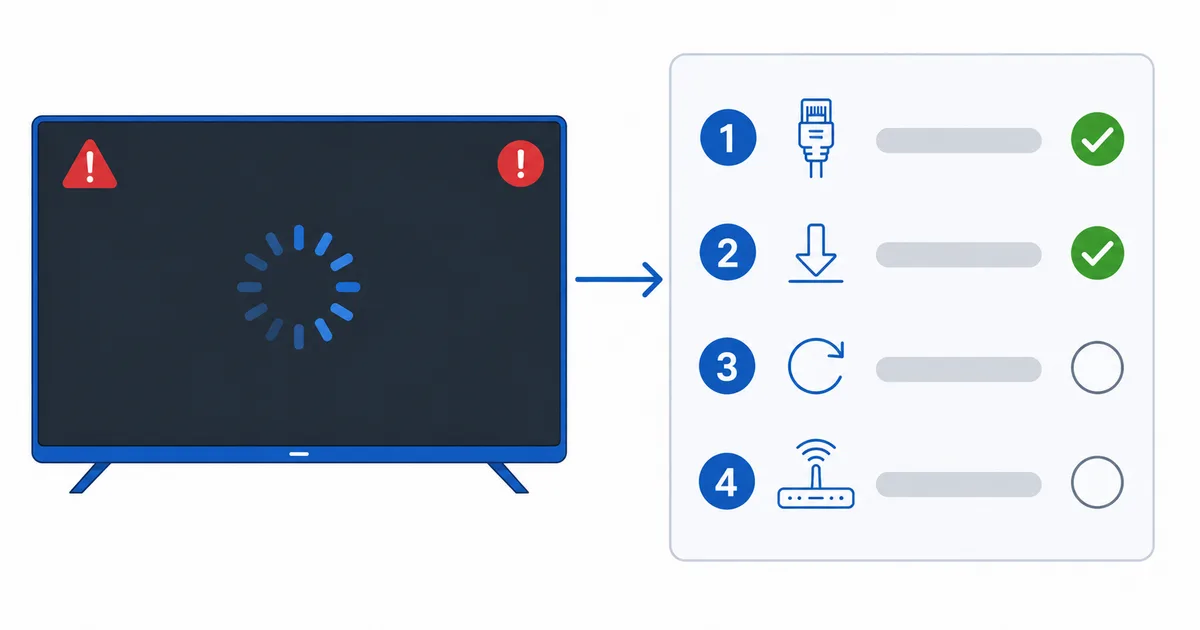
Causes, Most to Least Common
- Weak or congested Wi-Fi — the number-one cause, especially at a TV far from the router.
- Not enough bandwidth — the plan is too slow for the quality, or too many devices at once.
- Overloaded device or app — full cache, background apps, or an ageing device.
- ISP congestion or throttling — peak-time slowdowns.
- Service or CDN issue — occasional, and outside your control.
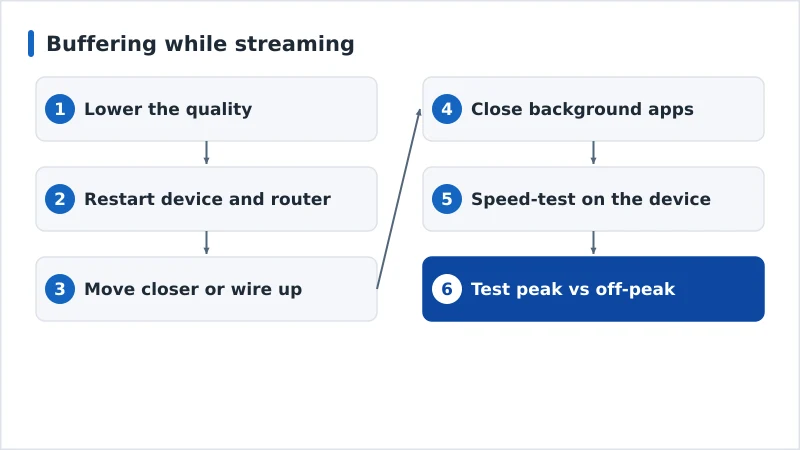
Diagnosis: Easiest First
- Lower the quality in the app — instant test of whether it’s bandwidth.
- Restart the device and router — clears congestion and stale connections.
- Move closer to the router or wire up with Ethernet — removes Wi-Fi as a variable.
- Close background apps and pause other downloads on the network.
- Speed-test on the device itself — confirm you actually have the bandwidth.
- Test at peak vs off-peak — a sharp evening drop points to congestion or throttling.
Diagnosis Table
| Symptom | Likely cause | Fix |
|---|---|---|
| Buffers on Wi-Fi, fine wired | Weak/congested Wi-Fi | Wire up or move closer to router |
| Buffers at all qualities | Not enough bandwidth | Lower quality; upgrade plan |
| Buffers only in the evening | Congestion / throttling | Test peak vs off-peak; try a VPN test |
| Buffers on one device only | Overloaded/old device | Clear cache; restart; close apps |
| Buffers on one app/service | Service or CDN issue | Try another app; wait it out |
By Device
- Fire TV Stick: Wi-Fi-only and tucked behind the TV — add an Ethernet adapter, clear the app cache, and lower quality. See our Fire TV fixes.
- Apple TV / Android TV boxes: many have Ethernet ports — use them; close background apps.
- Smart TV: built-in Wi-Fi is often weak — wire up, or use a dedicated streaming device which usually streams more reliably.
The Bottom Line
Buffering is almost always a connection problem: improve the link (Ethernet or closer to the router), lower the quality to match your bandwidth, and restart. Work down the diagnosis steps from easiest to hardest, and use the table to pinpoint the cause. Understand the numbers in our internet speed guide and Wi-Fi vs Ethernet guide, check ISP throttling if it’s peak-time only, fix related issues in our poor quality guide; for a Plex server specifically, see our fix buffering on Plex guide; and start from our streaming troubleshooting checklist, and look up any term in the streaming glossary.