The fastest fix for a slow VPN while streaming is to switch to a nearby, lightly loaded server and a WireGuard-based protocol, and run the VPN’s native app on your streaming device. This page focuses on keeping streaming smooth; for the full ordered list of VPN speed fixes, see our fix slow VPN speeds guide. Below are the streaming-specific levers, a diagnosis table, and per-device tips. For the quickest services, see our fastest VPN for streaming guide.
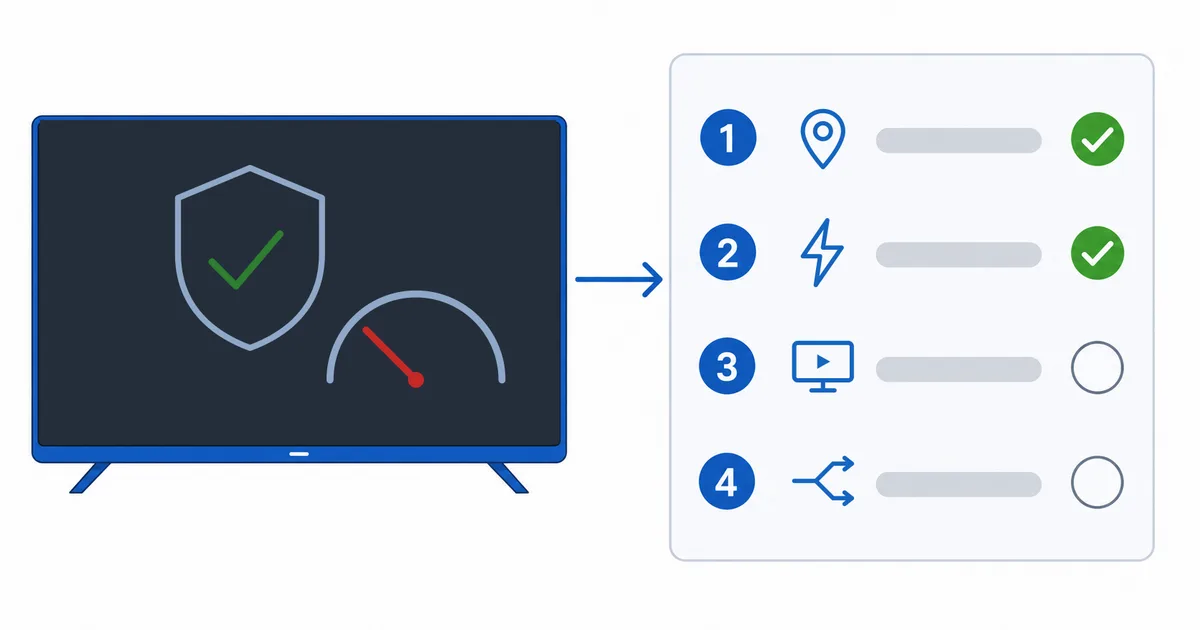
Streaming-Specific Causes
This guide targets streaming slowdowns. For the general speed checklist (base speed, restarts, app updates), see fix slow VPN speeds. The levers that matter most for a smooth stream:
- Distant or overloaded server — the top cause; adds latency and cuts throughput.
- Old protocol — OpenVPN is slower than WireGuard-based options.
- VPN on a weak router — the router can’t encrypt fast enough for 4K.
- Full-tunnel congestion — everything routed through the VPN competes for bandwidth.
- Low base speed — the VPN’s overhead pushes you under the 4K threshold.
Fixes for Smooth Streaming
- Connect to a nearby, less busy server — the single biggest gain for streaming.
- Switch to a WireGuard-based protocol — NordLynx, Lightway or WireGuard.
- Run the native app on the streaming device — not an underpowered router. See best VPN for router if you need whole-home.
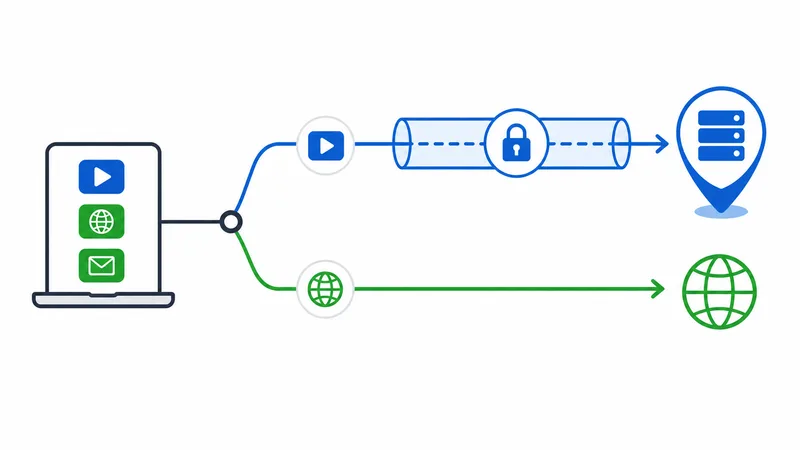
- Use split tunneling — route only the streaming app through the VPN to free bandwidth.
- Lower quality if your base speed is low — or upgrade your plan for 4K headroom.
Diagnosis Table
| Symptom | Likely cause | Fix |
|---|---|---|
| Buffers only with VPN on | Distant/overloaded server | Switch to a nearby, less busy server |
| Slow on every server | Old protocol | Switch to WireGuard-based |
| Slow only via router VPN | Weak router CPU | Use the native app on the device |
| Slows other devices too | Full-tunnel congestion | Split-tunnel the streaming app |
| Can’t hit 4K over VPN | Low base speed | Lower quality; nearby server; upgrade plan |
By Device
- Fire TV / Android TV: install the VPN’s native app, pick a nearby server and WireGuard, and use in-app split tunneling.
- Apple TV: use the VPN’s tvOS app if available; otherwise a capable router with a nearby server.
- Smart TV: most can’t run VPN apps — run it on a dedicated streaming device or a capable router, not the TV.
The Bottom Line
For smooth streaming over a VPN, the wins are a nearby server, a WireGuard-based protocol, the native app on your device, and split tunneling the streaming app. That keeps 80–88% of your speed — plenty for 4K. For the complete speed checklist, see fix slow VPN speeds; for the fastest services, the fastest VPN for streaming guide and best VPN for streaming; understand protocols in our VPN protocols guide, fix the symptom in our buffering guide, and start from our streaming troubleshooting checklist, and look up any term in the streaming glossary.