The fastest fix for an EPG not loading is to re-add the correct XMLTV guide URL from your provider and refresh it — most failures are a missing, wrong or mismatched source. The guide data comes from your provider; the player just displays it. This guide lists causes by likelihood, gives graduated diagnosis steps, and includes a diagnosis table and per-player fixes. It builds on our set up EPG guide and what an EPG is.
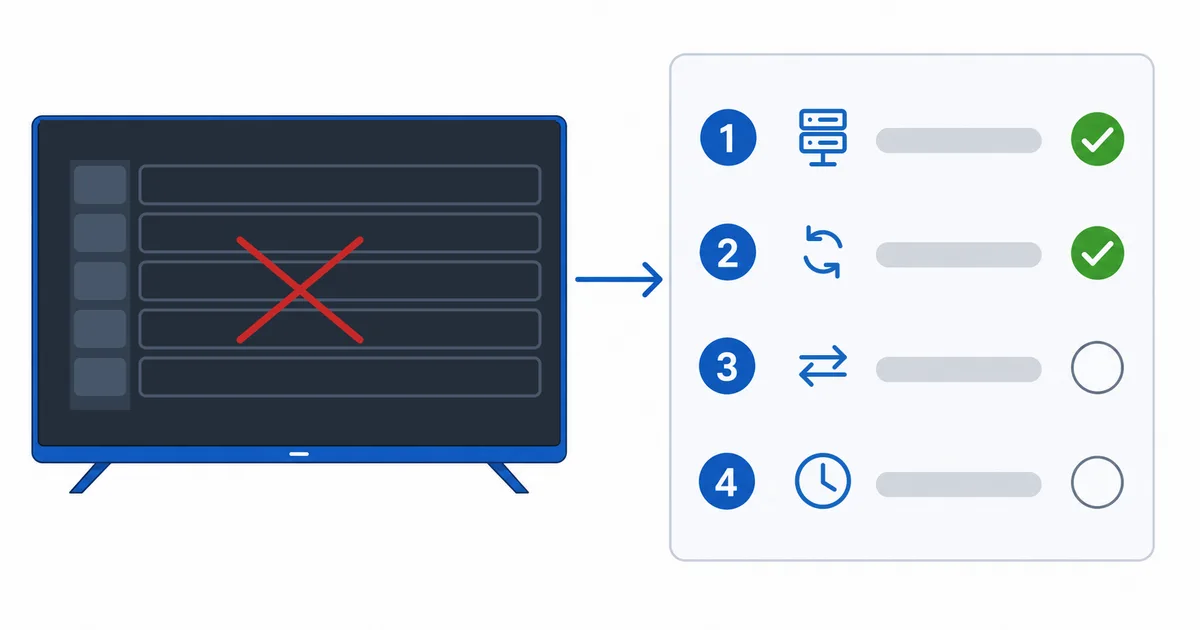
Causes, Most to Least Common
- No EPG source added — the guide can’t load what isn’t configured.
- Wrong or expired XMLTV URL — a mistyped or dead link.
- Channel-ID mismatch — tvg-id doesn’t match the XMLTV data.
- Stale cache — old data stuck; a refresh fixes it.
- Large guide times out — too many days over a slow connection.
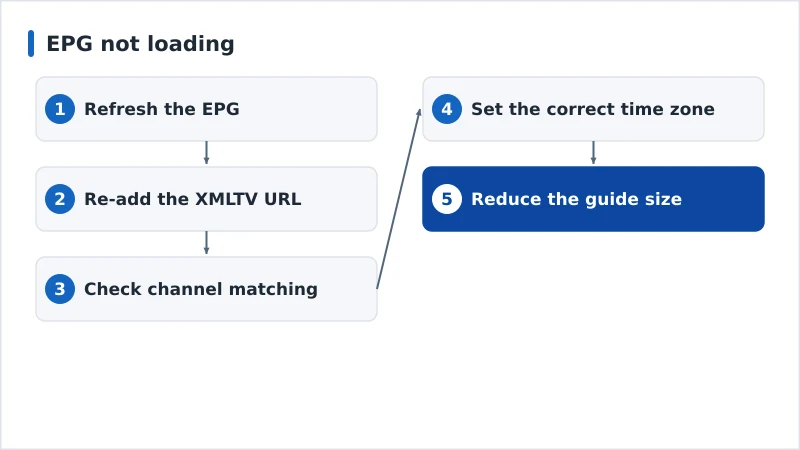
Diagnosis: Easiest First
- Refresh the EPG — force a fresh download in the player.
- Re-add the XMLTV URL — copy it exactly from your provider.
- Check channel matching — auto-match or map manually any blank channels.
- Set the correct time zone on the device so the guide aligns.
- Reduce the guide size to fewer days if it times out on a slow link.
Diagnosis Table
| Symptom | Likely cause | Fix |
|---|---|---|
| No guide anywhere | No EPG source added | Add the XMLTV URL in EPG settings |
| Guide won’t update | Stale cache | Refresh or re-add the EPG source |
| Some channels blank | Channel-ID mismatch | Auto-match or map channels manually |
| Times are wrong | Wrong time zone | Set the device time zone correctly |
| Guide times out | Large XMLTV file / slow link | Limit days; retry on a better connection |
By Player
- TiviMate: Settings → EPG → refresh or re-add the source; assign EPG to blank channels manually. See our TiviMate review.
- IPTV Smarters: with Xtream the EPG is usually automatic; for M3U, re-add the XMLTV URL and refresh.
- OTT Navigator: playlist settings → EPG → re-add and enable auto-matching.
- VLC: no EPG support — use a dedicated player for a guide.
The Bottom Line
A missing EPG is nearly always a source or matching problem: re-add the correct XMLTV URL from your provider, refresh, and fix any channel-ID mismatches. Set the right time zone and trim large guides on slow connections. Learn the full setup in our set up EPG guide and the background in what an EPG is, add your playlist with the M3U guide, fix related issues in our buffering guide, and start from our streaming troubleshooting checklist, and look up any term in the streaming glossary.