The fastest fix for a crashing streaming app is to clear its cache, update the app and device software, and restart — this resolves most crashes. If one app crashes, it’s usually the app; if all apps crash, it’s usually the device. This guide lists causes by likelihood, gives graduated diagnosis steps, and includes a diagnosis table and per-device fixes. It relates to our speed up a slow Fire TV guide.
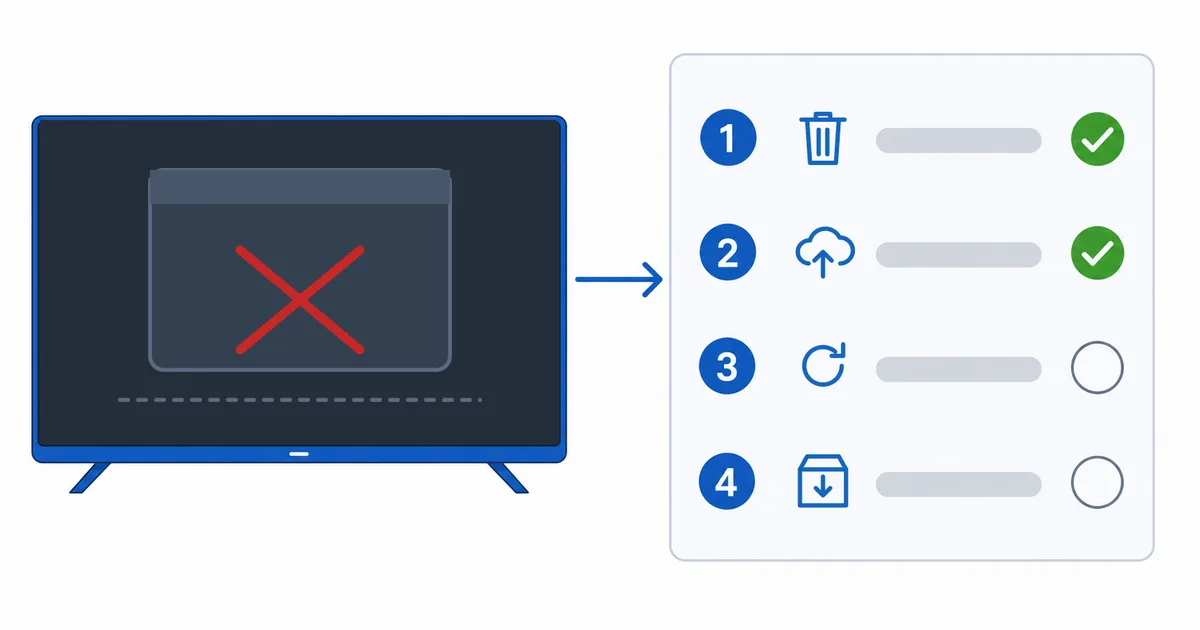
Causes, Most to Least Common
- Full app cache — temporary files gone bad; the top cause of single-app crashes.
- Outdated app or OS — a version bug fixed in an update.
- Low storage or memory — the device can’t write cache or hold the app.
- Corrupted install — needs a clean reinstall.
- Overheating or ageing device — instability across all apps.
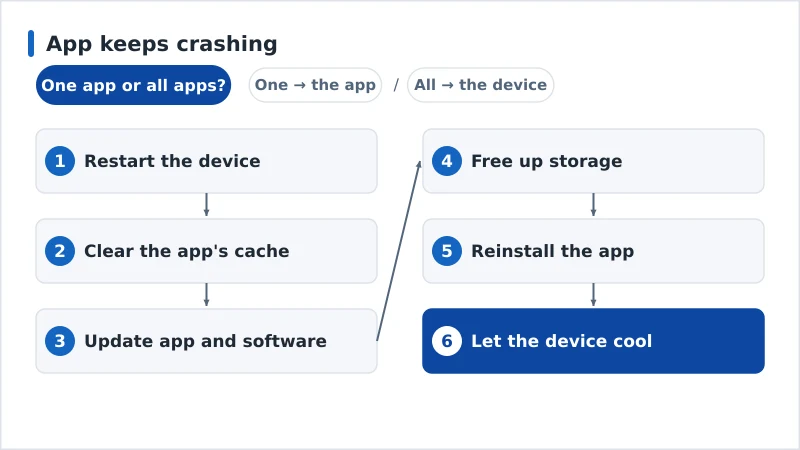
Diagnosis: Easiest First
- Restart the device — clears memory and temporary glitches.
- Clear the app’s cache — removes bad temporary files.
- Update the app and the device software.
- Free up storage — remove unused apps and clear caches.
- Reinstall the app for a clean version.
- Let the device cool if it’s warm, and check it isn’t simply underpowered.
Diagnosis Table
| Symptom | Likely cause | Fix |
|---|---|---|
| One app crashes, others fine | App cache/version | Clear cache; update; reinstall |
| App crashes after an update | Version bug | Update again or reinstall |
| All apps unstable | Device / low storage | Free space; update OS; restart |
| Crashes when device is warm | Overheating | Let it cool; improve ventilation |
| Crashes worsen over time | Ageing/underpowered device | Consider a newer device |
By Device
- Fire TV Stick: Settings → Applications → Manage Installed Applications → Clear Cache; free storage — see our speed up a slow Fire TV guide.
- Apple TV / Android TV: update the app and OS; reinstall the app; restart.
- Smart TV: update the TV firmware; if built-in apps keep crashing, a dedicated streaming device is more reliable.
The Bottom Line
Most crashing apps are fixed in minutes: clear the cache, update the app and OS, restart, and reinstall if needed. One app misbehaving is an app problem; every app crashing is a device problem — usually low storage, heat, or age. Keep some free space and the device cool. See our speed up a slow Fire TV guide, fix related issues in our buffering and Fire TV overheating guides, pick a reliable streaming device, and start from our streaming troubleshooting checklist, and look up any term in the streaming glossary.