The fastest fix for a Fire TV Stick overheating is to use an HDMI extender to move it out from behind the TV into open air, and power it from its wall adapter instead of the TV’s USB port. Overheating is almost always poor ventilation plus weak power, not a fault. This guide lists causes by likelihood, gives practical fixes, and includes a diagnosis table. It pairs with our speed up a slow Fire TV guide.
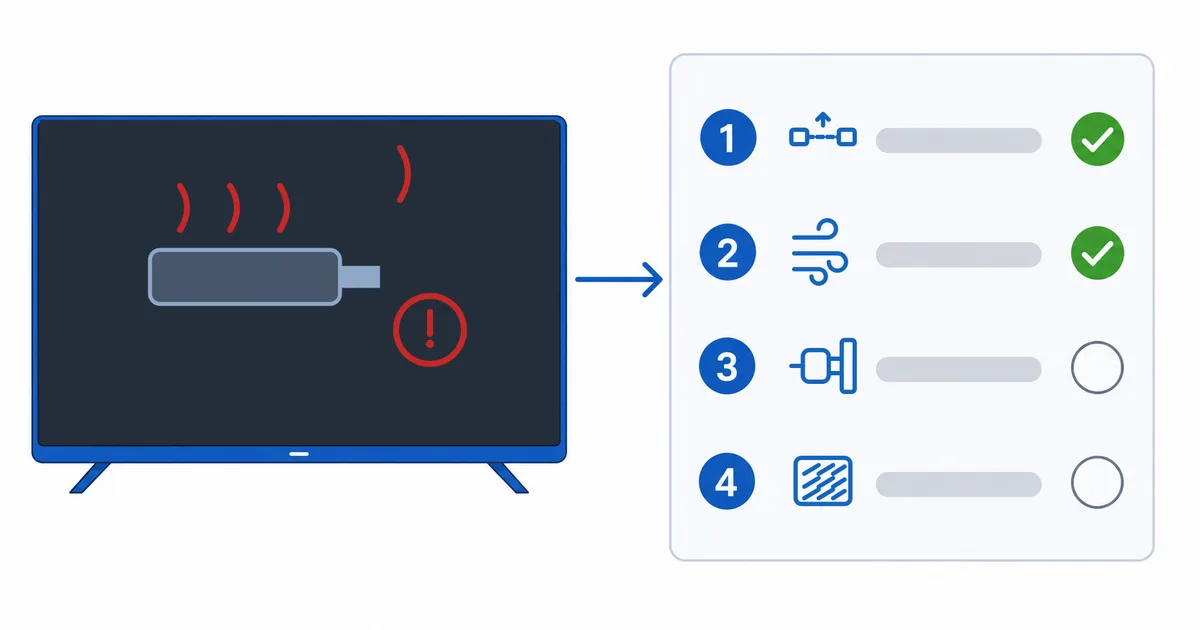
Causes, Most to Least Common
- No ventilation — the stick crammed into an HDMI port behind the TV, heat trapped.
- Weak power — run from the TV’s USB port instead of the wall adapter.
- Nearby heat — next to a hot TV panel or other warm devices.
- Heavy load — background apps and a full cache keeping the processor busy.
- Long continuous use — hours of streaming with no airflow.
Fixes: Easiest First
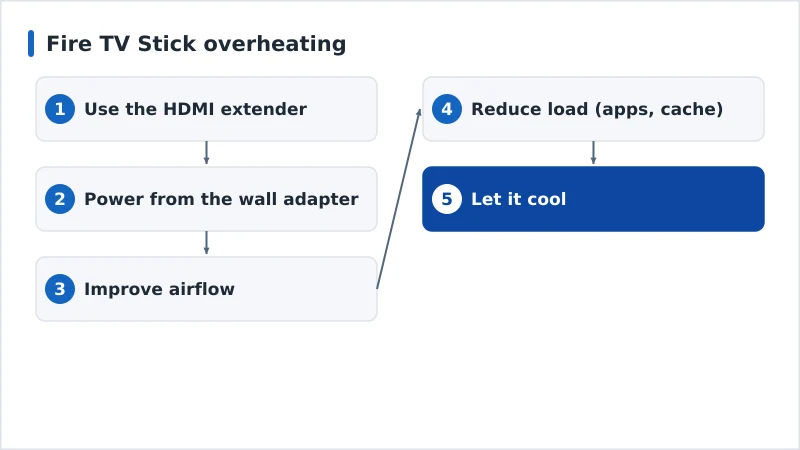
- Use the HDMI extender. Move the stick into open air behind the TV — the biggest single fix.
Check HDMI Extenders on Amazon →
- Power from the wall adapter. Use the bundled adapter in a mains socket, not the TV USB port.
- Improve airflow. Keep it out of enclosed cabinets and away from other hot devices.
- Reduce load. Close background apps and clear cache — see speed up a slow Fire TV.
- Let it cool. If very hot, unplug briefly before resuming.
Diagnosis Table
| Symptom | Likely cause | Fix |
|---|---|---|
| Hot to touch behind the TV | No ventilation | Use HDMI extender; open airflow |
| Freezes/restarts when warm | Overheating | Extender + wall adapter; let it cool |
| Unstable on TV USB power | Weak power supply | Power from the wall adapter |
| Worse after long viewing | Heat build-up | Improve airflow; short rests |
| Warm and sluggish | Heavy load/full storage | Clear cache; close apps; free storage |
Note on Other Devices
Overheating is mostly a stick problem — small, passive, jammed behind the TV. Set-top boxes (Apple TV, Android TV boxes, NVIDIA Shield) sit in the open with better cooling and rarely overheat. If a stick keeps overheating despite these fixes, a box-style device is a more robust long-term choice.
The Bottom Line
A Fire TV Stick overheats because of airflow and power, not a defect: move it into open air with an HDMI extender, power it from the wall adapter, keep it away from heat, and reduce the load. That resolves nearly all cases. If it persists, consider a box-style streaming device. See our speed up a slow Fire TV guide, fix related issues in our app crashing guide, and start from our streaming troubleshooting checklist, and look up any term in the streaming glossary.