| # | Product | Rating | Price | |
|---|---|---|---|---|
| 1 | Amazon Fire TV Stick 4K Max (stick)Best Stick | ≈ €79 | Check Price | |
| 2 | NVIDIA Shield TV Pro (box)Best Box | ≈ €219 | Check Price |
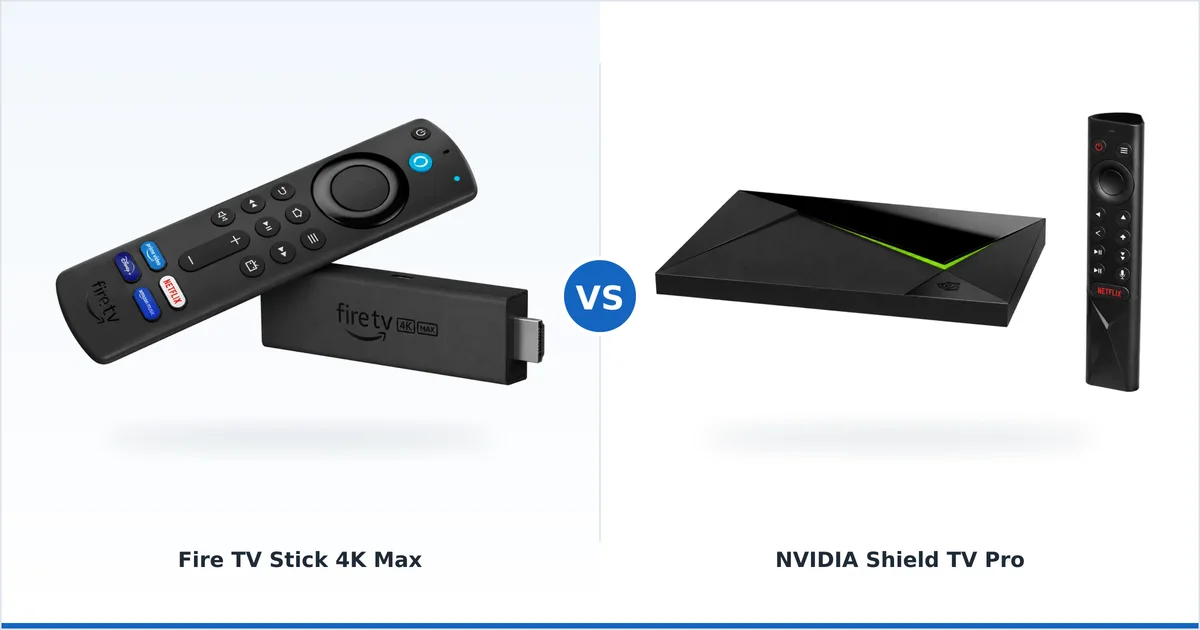
Choose a streaming stick if you want a cheap, tidy device for simple 4K HDR app streaming; choose a streaming box if you want more power, built-in Ethernet, extra storage and Plex or local-media capability. Both deliver the same picture quality, so the decision is about performance, connectivity and price rather than image. This comparison breaks down each factor with a verdict by use case.
At a Glance
| Streaming stick | Streaming box | |
|---|---|---|
| Form factor | Dongle behind the TV | Separate unit on the shelf |
| Price | Cheaper (€35–€90) | Higher (€100–€250) |
| Ethernet | Adapter needed | Usually built-in |
| Storage | Fixed, smaller | Larger, often expandable |
| Power | Enough for apps | More, for Plex/local media |
| Best for | Simple app streaming | Media hubs, wired setups |
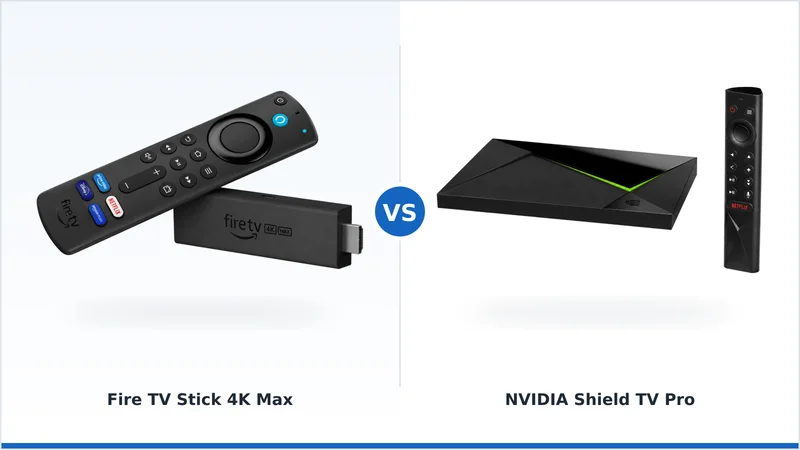
Sticks like the Fire TV Stick 4K Max and boxes like the NVIDIA Shield TV Pro sit at opposite ends of this trade-off.
The Case for a Stick
Sticks win on value and tidiness. They plug straight into an HDMI port, hide behind the TV, and cost less. A good stick handles 4K HDR streaming, Dolby Atmos and every mainstream app without breaking a sweat.
Their limits are storage and expandability: most have fixed, smaller storage and need an Ethernet adapter for a wired connection. For simple app streaming, none of that matters — a stick is all many homes need. Examples include the Fire TV Stick 4K and Roku Streaming Stick 4K.
The Case for a Box
Boxes win on power and flexibility. They typically include built-in Ethernet, more (often expandable) storage, and enough processing power to run a Plex Media Server, handle transcoding, or serve a big local library. Some, like the Shield, add USB ports and AI upscaling.
The trade-offs are price and desk space. Boxes cost more and sit on a shelf rather than hiding behind the TV. Examples include the NVIDIA Shield TV Pro, Apple TV 4K and Google TV Streamer 4K (a compact box with built-in Ethernet).
Picture, Sound and VPN
On picture and sound, sticks and boxes are effectively equal: both output 4K with Dolby Vision, HDR10+ and Atmos on capable models. You do not buy a box for a better image.
Both run VPN apps too. A box’s built-in Ethernet makes wired VPN streaming especially steady, but a stick with an adapter achieves the same. The image is not the deciding factor here — capability is.
Verdict by Use Case
- Casual viewer / best value: a stick — cheap, tidy, and great for apps.
- Plex / local media / media hub: a box — power, Ethernet, storage.
- Wired main TV without adapters: a box with built-in Ethernet, or a stick + adapter.
- Second/bedroom TV: a stick — cheap and out of sight.
- Tinkerer / heavy multitasker: a box for headroom and storage.
Our pick: for most homes a streaming stick like the Fire TV Stick 4K Max is all you need. Choose a box such as the NVIDIA Shield TV Pro if it will be a media hub — Plex, local files, wired networking and storage.
Best stick: Fire TV Stick 4K Max → Best box: NVIDIA Shield TV Pro →
See every option in our best streaming devices guide, and look up any term in the streaming glossary.