| # | Product | Rating | Price | |
|---|---|---|---|---|
| 1 | Roku Streaming Stick 4KSimplest Interface | ≈ €59 | Check Price |
The Roku Streaming Stick 4K is the simplest, most neutral 4K HDR streaming stick — an easy, platform-agnostic interface at around €59 — but its European fit is patchy. It suits people who want a straightforward, brand-neutral device not tied to Amazon, Google or Apple. The catch is uneven availability and fewer local apps across much of Europe, so check your country’s app coverage first. Here is how it performed in testing.
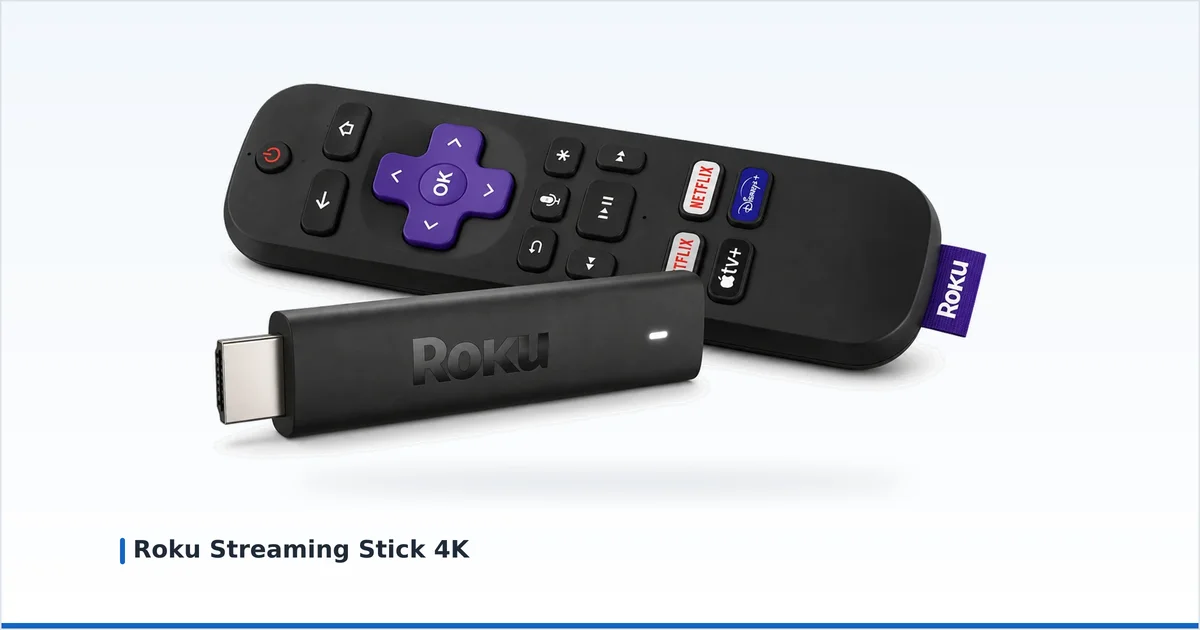
We tested the Roku Streaming Stick 4K per our methodology, across several evenings of real viewing on a European setup.
Specifications
| Spec | Roku Streaming Stick 4K |
|---|---|
| Max resolution | 4K at 60fps |
| HDR | Dolby Vision, HDR10+, HDR10 |
| Audio | Dolby Atmos (via compatible apps) |
| Wi-Fi | Wi-Fi 5 (dual-band) |
| Storage | ~4 GB |
| Ethernet | Not supported |
| OS | Roku OS |
| Price (obs. Jul 2026) | ≈ €59 (amazon.de) |
It covers full HDR with Dolby Vision, and runs the light, simple Roku OS. Storage is minimal and there is no Ethernet option, reflecting its focus on straightforward streaming.
Using It: Real-World Performance
Roku’s strength is simplicity:
- Cold boot to home screen: ~29 seconds.
- Opening a major streaming app: ~3–5 seconds from the home screen.
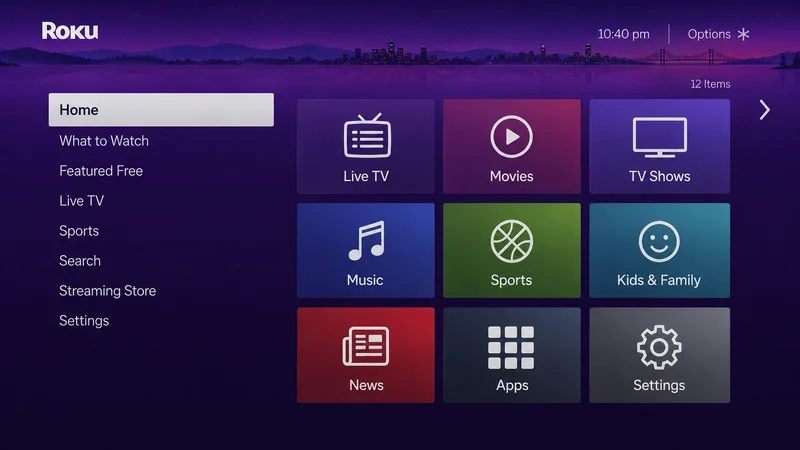
- Interface: a plain, fast app grid — the easiest for non-technical users.
- Search: neutral, cross-service search that isn’t biased toward one platform.
The Roku OS is the most beginner-friendly interface we tested, and its neutrality — not pushing Amazon, Google or Apple content — is refreshing. Dolby Vision worked correctly. The real issue in Europe is app coverage: many local broadcaster and catch-up apps that are standard on Fire TV or Google TV are missing or unavailable depending on your country, and availability of the hardware itself is uneven. Audio and IPTV player support is also more limited than on Android-based devices.
Pros and Cons
✅ Pros
- Simplest, most beginner-friendly interface
- Neutral — not tied to Amazon, Google or Apple
- Full 4K HDR with Dolby Vision
- Neutral cross-service search
❌ Cons
- Patchy European availability and local apps
- Minimal storage; no Ethernet
- More limited IPTV and audio support
- Home screen still shows promotional tiles
Who It's For — and Who Should Skip It
- Buy it if you want the simplest, most neutral interface, dislike being pushed one company’s content, and have confirmed your local apps are on Roku (especially in the UK).
- Skip it if you need wide European app coverage or IPTV flexibility — a Fire TV Stick 4K Max or Google TV Streamer is safer — or you want a premium box (the Apple TV 4K).
Price and Where to Buy
As observed in July 2026, the Roku Streaming Stick 4K sells for ≈ €59 on amazon.de where stocked, though availability varies by country. Confirm both the hardware and your local apps are available before buying. Check the current price too.
Alternatives
- Fire TV Stick 4K Max — wider European app coverage and more power.
- Google TV Streamer 4K — clean interface with strong app support and Ethernet.
- Fire TV Stick 4K — a similarly priced stick with broader apps.
- Chromecast with Google TV — another simple, cheap Google option.
See how they compare in our best streaming devices guide.
Our Verdict
The Roku Streaming Stick 4K is the friendliest, most neutral streamer, with a plain interface and full 4K HDR for around €59 — a genuine plus for anyone tired of being funnelled toward one company’s content. But in much of Europe its patchy availability, thinner local-app catalogue and weaker IPTV support hold it back. If Roku is well supported in your country, it is a lovely simple device; if not, an Android-based rival is the safer buy. Rating: 3.9/5.
Not sure about a term here? Look it up in the streaming glossary.