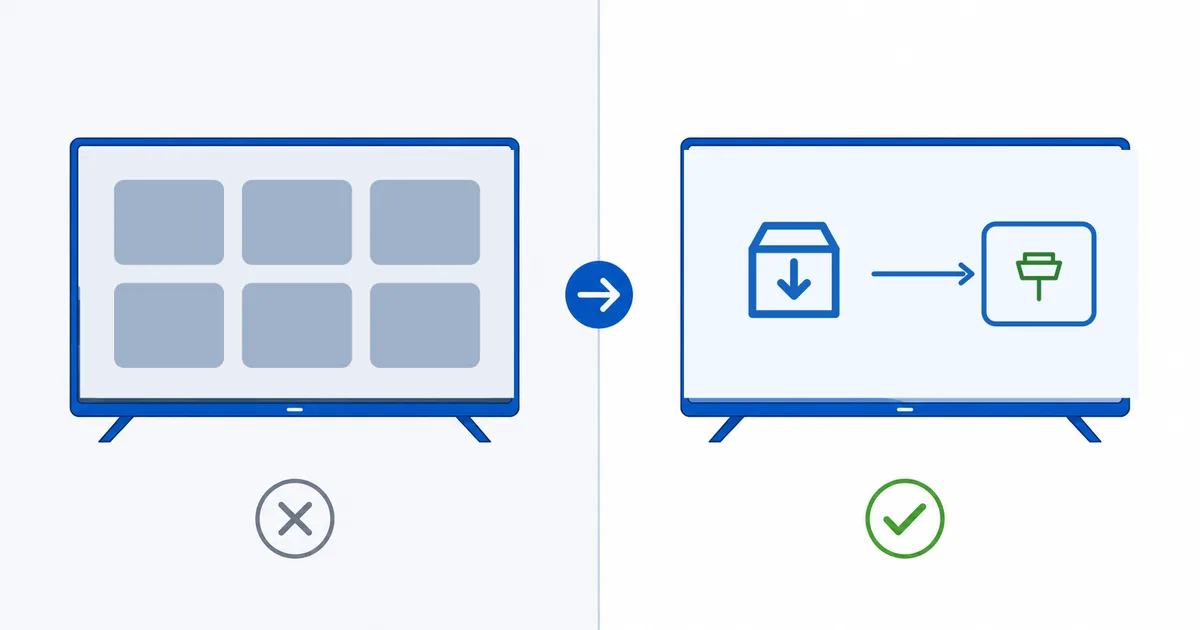
A smart TV has a streaming system built into the television, while a streaming device is a stick or box that plugs into an HDMI port and adds its own faster, more up-to-date system. Both let you stream, but they age very differently: a streaming device usually stays snappier and better supported, while a smart TV’s built-in apps tend to slow down over a few years. This guide compares them on speed, apps, updates and privacy so you can pick the right approach.
The Core Difference
Both options run streaming apps — the difference is where the brains live:
- A smart TV has the operating system, apps and processor inside the television (Google TV, Fire TV, Tizen, webOS, Roku TV and others).
- A streaming device is a separate stick or box — Fire TV Stick, Roku, Apple TV, Google TV Streamer — that plugs into an HDMI port and brings its own processor and system.
A device does not replace your TV’s screen; it replaces its software brain with something usually faster and better maintained.
Side-by-Side Comparison
| Factor | Smart TV (built-in) | Streaming device |
|---|---|---|
| Cost | Included with the TV | Extra (from ~€30–€200) |
| Speed | Modest, slows with age | Faster, snappier |
| App range | Varies by brand | Broad, well maintained |
| Updates | Often stop after a few years | Longer, more frequent |
| Convenience | One remote, nothing to add | Extra remote and HDMI port |
| Privacy | Often ACR tracking by default | Choose your platform’s settings |
| Upgrade path | Replace the whole TV | Swap a cheap device |
The headline: a smart TV is convenient and free with the set, but a streaming device gives more speed, apps and longevity for a small outlay.
Why Devices Often Win
Streaming devices tend to pull ahead for a few reasons:
- Better hardware for the job. A device’s processor is dedicated to streaming, so menus and 4K apps stay smooth.
- Longer software support. Devices are updated for years after a TV’s built-in system has been abandoned.
- Broader, fresher apps — including strong IPTV players and features like Dolby Atmos and HDR passthrough.
- A cheap upgrade path. When a device ages, you replace a €50 stick, not a whole television.
This is why a good device can make a slow older smart TV feel new — the panel is still fine; only the software brain needed refreshing.
When a Smart TV Is Enough
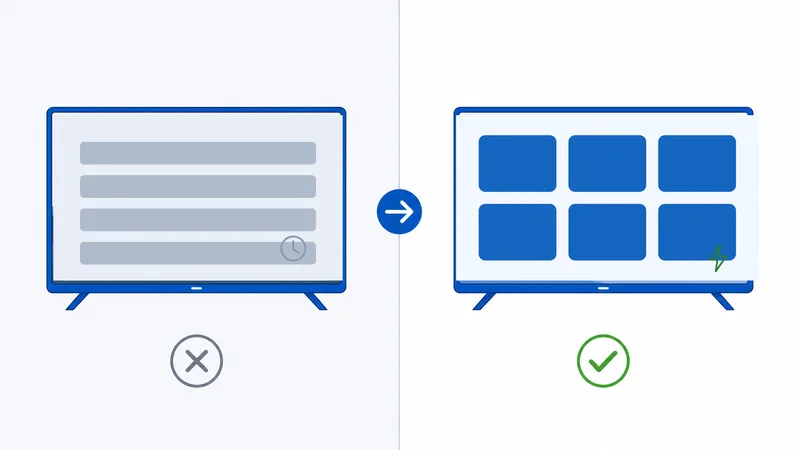
You may not need a device at all if:
- Your smart TV is recent and fast, with no lag.
- It already has all the apps you use.
- It is still receiving updates from the manufacturer.
- You value the simplicity of one remote and nothing extra plugged in.
In that case, enjoy the built-in system and revisit a device only when it starts to slow or drop apps.
Choosing a Device
If you decide to add one, match it to your ecosystem and budget:
- Fire TV — great for Amazon users and broad app coverage, often cheap.
- Google TV — best for Android and Google households.
- Apple TV 4K — the premium pick, fast and strong on privacy.
- Roku — simple, neutral and easy for anyone.
Our best streaming devices guide compares the leading options in detail, and the Fire TV Stick setup guide walks through getting started.
The Bottom Line
A smart TV bundles streaming into the television — convenient and free with the set — while a streaming device adds a faster, better-supported brain for a small price. Because built-in systems slow and lose updates after a few years, a device is the smarter long-term choice for most people, and an easy way to revive an ageing smart TV. If your TV is new, fast and fully stocked with apps, the built-in system is fine until it isn’t.
Next, pick hardware in our best streaming devices guide, or compare the systems themselves in the upcoming Android TV vs Google TV vs Fire OS guide.
Not sure about a term on this page? Look it up in the streaming glossary.