IPTV (Internet Protocol Television) is television delivered over the internet instead of a traditional aerial, satellite dish or cable line. Instead of receiving a broadcast signal, your device downloads the video as data packets and plays it in an app — the same underlying method Netflix, YouTube and broadcaster catch-up apps use. This guide explains, in plain language, what IPTV is, how it works, what you need to start, and how to tell licensed services from illegal ones.
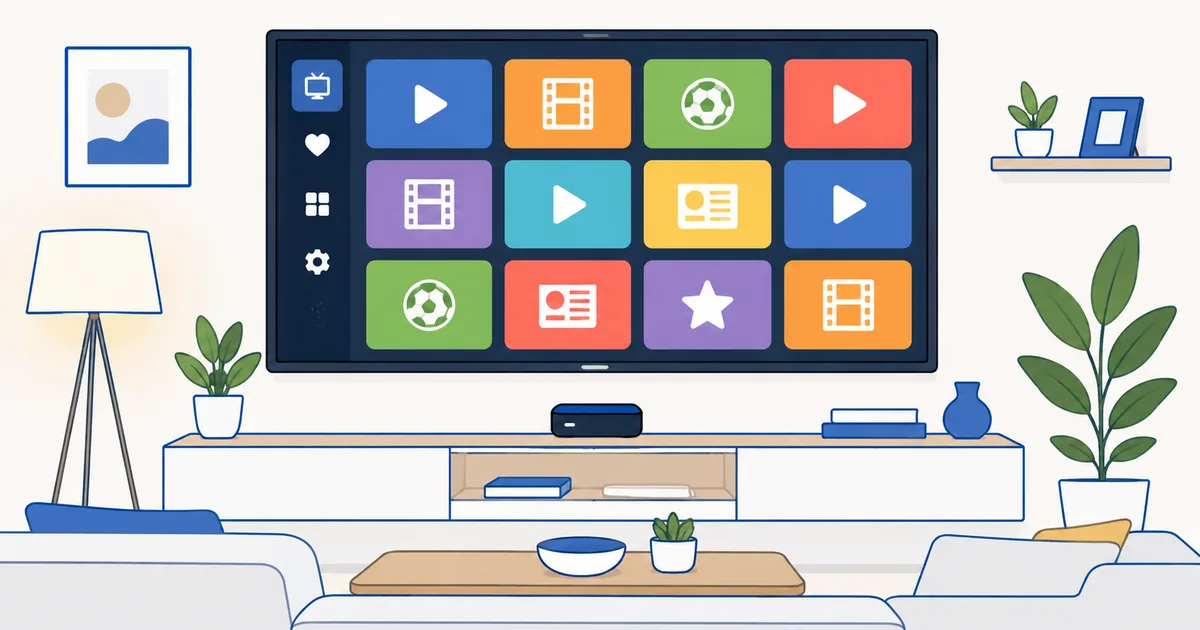
What IPTV Really Means
IPTV stands for Internet Protocol Television. “Internet Protocol” (IP) is simply the set of rules that moves data across the internet — the same protocol that delivers your email and web pages. IPTV uses it to deliver television.
The key difference from old-fashioned TV is how the signal arrives:
- Terrestrial TV receives a broadcast through an aerial.
- Satellite TV receives it through a dish.
- Cable TV receives it through a coaxial cable.
- IPTV receives it as internet data through your broadband router.
Because the content travels as data, IPTV can do things broadcast cannot: pause and rewind live TV, offer thousands of on-demand titles, show a rich programme guide, and follow you onto a phone or tablet. If you have watched ARD Mediathek in Germany, an operator app like Magenta TV, or Sky’s streaming box, you have already used IPTV.
How IPTV Works, Step by Step
At a high level, IPTV moves a live channel or a film from a provider’s server to your screen in four stages:
- Source & encoding. The provider takes a TV feed or video file and compresses it with a codec such as H.264 or H.265 so it is small enough to send.
- Server & packaging. The compressed video is split into small chunks and prepared in several quality levels (for example 480p, 720p and 1080p).
- Delivery over the network. Those chunks travel across the internet, usually through a content delivery network (CDN) that keeps copies close to you to reduce lag.
- Playback on your device. Your IPTV app requests the chunks, reassembles them, and plays them — automatically switching quality if your connection slows down.
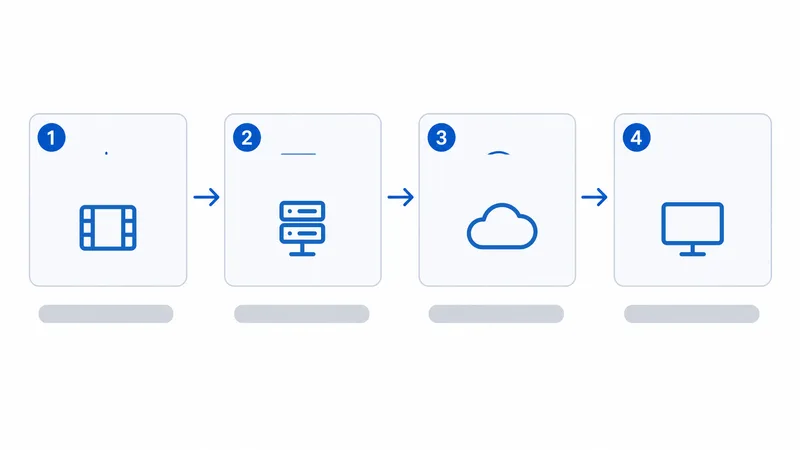
This chunked, adaptive approach is why a good IPTV stream keeps playing when your Wi-Fi dips — it quietly drops to a lower resolution instead of freezing. We explain that process in depth in our guide to how streaming actually works.
The Three Types of IPTV
Not all IPTV is live channels. There are three delivery models, and most services mix them:
| Type | Full name | What it is | Everyday example |
|---|---|---|---|
| Live IPTV | Live streaming | Real-time channels, just like broadcast TV | A live sports channel or news feed |
| VOD | Video on Demand | A catalogue you play whenever you want | A film library or box-set collection |
| Time-shifted | Catch-up / replay | Recently aired programmes you rewind or restart | Broadcaster catch-up and “start over” |
A single licensed provider often bundles all three: live channels, a catch-up window of 7–30 days, and an on-demand library.
What You Need to Watch IPTV
Getting started requires three components:
- A broadband connection. Around 10–25 Mbps per stream comfortably covers HD; 4K needs 25 Mbps or more. See our detailed breakdown of the internet speed needed for streaming.
- A device. Almost anything modern works — an Amazon Fire TV Stick, Apple TV, Android TV or Google TV box, a smart TV, or simply a phone, tablet or computer. Our best streaming devices guide compares the leading options.
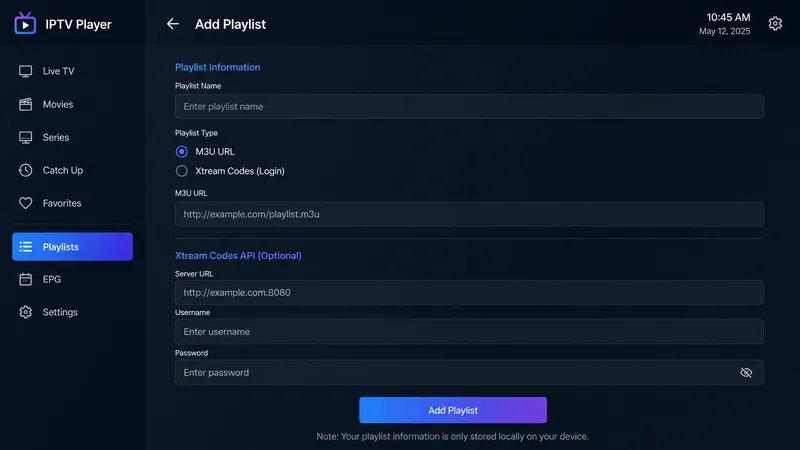
- An app. With a licensed service you install its official app and sign in. With open standards you load a playlist — usually an M3U playlist — plus an EPG for the on-screen guide, into a player such as TiviMate.
Tip: If you only want mainstream channels and catch-up, a licensed operator app is the simplest route — no playlists, no configuration. IPTV players and M3U playlists matter mainly if you are combining several licensed sources yourself.
Is IPTV Legal?
IPTV itself is completely legal. It is just a delivery technology, and many of the biggest names in television rely on it — Sky Stream, Magenta TV, broadcaster catch-up apps and countless operator services are all IPTV.
The legal problem is with content rights, not the technology. Illegal IPTV services sell access to premium channels — live sport, movie networks, pay-TV bundles — that they have no licence to distribute, typically at a suspiciously low price such as “10,000 channels for €10 a month.” Using these carries real risks:
- No consumer protection, refunds or reliability.
- Sudden shutdowns when rights holders take action.
- Payment-fraud and malware exposure from unregulated sellers.
- Potential legal liability in some European countries.
How to spot an illegal service: every major channel for a few euros, payment only by gift card or crypto, no company address, and heavy promotion in comment sections or messaging apps. Legitimate providers publish clear pricing, a real company and proper terms.
WatchlyGuide only covers licensed services. For country-by-country lists of legal providers, see our guides to streaming in Germany, France, Spain and Italy.
How to Get Started
A sensible first setup looks like this:
- Check your connection. Run a speed test; aim for 25 Mbps or more if several people stream at once.
- Pick a device. A Fire TV Stick 4K or equivalent covers almost every licensed app.
- Choose licensed services. Start with the broadcaster and operator apps available in your country.
- Add a player only if you need one. If you are aggregating licensed M3U sources, install a reputable IPTV player and load your playlist and EPG.
- Wire up if you can. Ethernet or a strong 5 GHz signal prevents most buffering.
The Bottom Line
IPTV is simply television over the internet — flexible, feature-rich and, when you use licensed providers, entirely legal. The technology powers everything from national broadcaster apps to premium operator boxes. Get a reliable connection, a capable device, and stick to services that clearly hold the rights, and you have a modern living-room setup that beats traditional aerial or satellite TV on convenience.
Next, learn exactly how streaming actually works under the hood, or see how IPTV compares with related terms in IPTV vs OTT vs Streaming.
Not sure about a term on this page? Look it up in the streaming glossary.