Xtream Codes API is a login-based way to deliver IPTV: instead of a single playlist link, you enter a server URL, a username and a password, and the app pulls your channels, films, series and programme guide as organised, auto-updating lists. It is the most common alternative to a plain M3U playlist, and it is what most modern IPTV players mean by “Login with Xtream Codes.” This guide explains how it works, how it differs from M3U and portal URLs, and how to use it safely.
What Xtream Codes API Is
Xtream Codes API began as panel software that IPTV providers used to manage subscriptions. Its API — the way apps talk to that server — became a de facto standard, so today “Xtream Codes API” mostly means the login method your player uses, even when the provider runs different software behind the scenes.
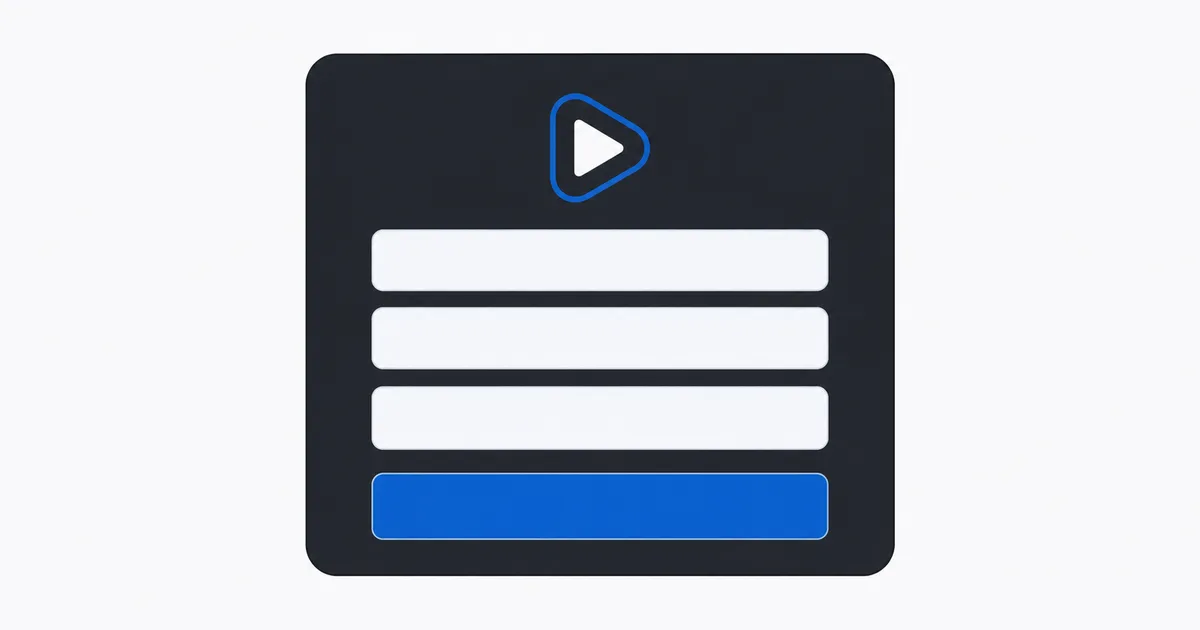
The defining feature is that you authenticate with three pieces of information:
- Server URL — the address of the provider’s server, e.g.
http://example.com:8080. - Username — your account name.
- Password — your account key.
From those, the app requests everything else. You never paste a giant channel list; the server hands your player structured data on demand.
How It Works
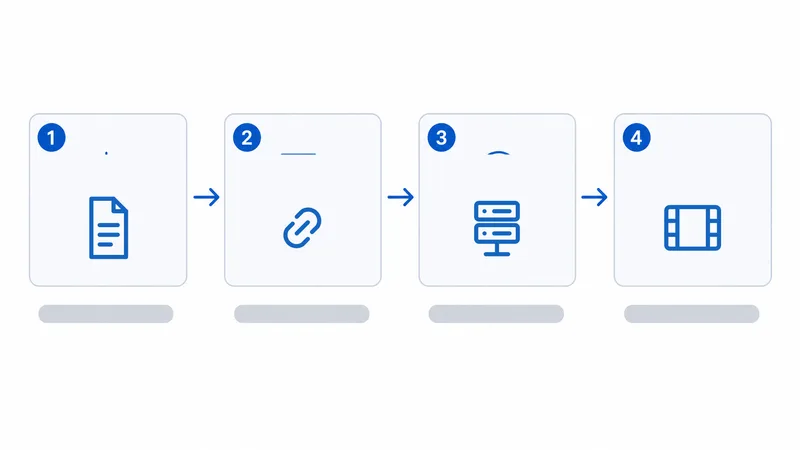
When you log in, your IPTV player calls the server’s API and receives your service split into clean sections:
- Authentication. The app sends your username and password to the server URL and gets back your account details (status, expiry, allowed connections).
- Content categories. The server returns live TV, VOD (films) and series as separate, categorised lists — not one flat file.
- Streams on demand. When you open a channel, the app requests just that stream, so loading is quick.
- EPG. The programme guide is delivered through the same API, so the EPG lines up with your channels without a separate URL.
Because the lists live on the server, the provider can add or remove channels and your app reflects it on the next refresh — no re-importing.
Xtream API vs M3U vs Portal URL
These three terms overlap and are often confused. Here is how they compare:
| M3U playlist | Xtream Codes API | Portal URL (MAG-style) | |
|---|---|---|---|
| You enter | One playlist URL or file | Server URL + username + password | Portal URL (tied to device MAC) |
| Content structure | One flat list | Categorised Live / VOD / Series | Provider-defined portal layout |
| EPG | Separate EPG URL | Built into the API | Built into the portal |
| Updates | Re-import to refresh | Automatic | Automatic |
| Typical devices | Almost any player | TiviMate, IPTV Smarters, etc. | MAG boxes / STB emulators |
In short: M3U is the simplest and most universal, Xtream Codes API is the most organised for apps, and a portal URL is the set-top-box style tied to your device’s MAC address. Many providers offer all three from the same account.
Good to know: most Xtream servers can also output an M3U link by adding a get.php path — e.g. http://server:port/get.php?username=USER&password=PASS&type=m3u_plus — so a player that only accepts M3U can still load the same channels.
How to Log In
Logging in with Xtream Codes takes under a minute in most players:
- Pick a compatible player such as TiviMate or IPTV Smarters — see our best IPTV players guide.
- Choose “Login with Xtream Codes” (sometimes “Xtream Codes API” or “Add Playlist → Xtream”).
- Enter your three fields — server URL, username, password — exactly as your provider gave them, including the port number.
- Wait for the load. The app pulls live TV, VOD, series and EPG automatically.
- Organise. Hide unused categories and reorder favourites; most players remember this per profile.
For a full app walkthrough, follow our TiviMate setup guide.
Is It Legal?
The Xtream Codes API protocol is legal — it is a delivery method, exactly like M3U. What matters is the provider behind the credentials.
- Legal: credentials from a service that holds the rights to the channels it streams.
- Not legal: cheap “all channels” logins sold without any rights, regardless of how polished the app looks.
Warning: a slick Xtream login does not make a service legitimate. The same red flags apply as with any IPTV — every premium channel for a few euros, payment by gift card or crypto, and no real company. WatchlyGuide only covers licensed sources.
The Bottom Line
Xtream Codes API is simply a tidier way to log in to IPTV: three fields — server URL, username and password — that load your live TV, films, series and guide as organised, self-updating sections. It is more structured than a flat M3U and different from a MAG portal URL, though many accounts support all three. Use a compatible player, enter your details exactly, and only ever with a provider that holds the proper rights.
Next, compare it with the M3U playlist format, or start from the basics with what IPTV is and how streaming actually works.
Not sure about a term on this page? Look it up in the streaming glossary.