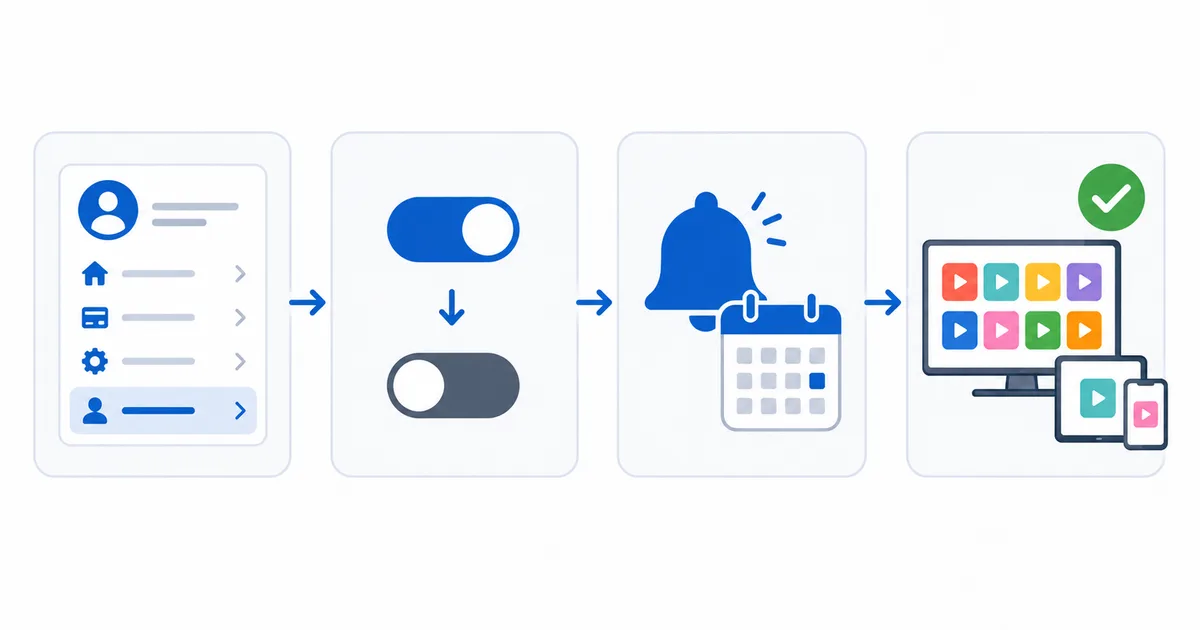
To cancel a streaming subscription, sign in to the service’s account page and turn off auto-renewal or cancel — but if you subscribed through the Apple App Store or Google Play, cancel in that store instead. You keep access until the paid period ends, and your profile is usually kept for later. This guide gives step-by-step cancellation for the main services and app stores, plus what happens to profiles and downloads. It complements our rotate subscriptions strategy.
First: Where Did You Subscribe?
The cancel route depends on where you signed up:
- On the service directly (web): cancel on the service’s account page.
- Via Apple App Store: cancel in Settings → [your name] → Subscriptions.
- Via Google Play: cancel in Play Store → Payments & subscriptions → Subscriptions.
- Via your telecom/operator bundle: cancel through the operator.
A subscription bought through an app store must be cancelled there — the streaming service can’t do it for you.
Cancelling by Service
| Service | Where to cancel | Steps |
|---|---|---|
| Netflix | Account → Membership | Cancel Membership |
| Disney+ | Account → Subscription | Cancel Subscription |
| Prime Video | Amazon → Prime settings | End membership / turn off renewal |
| DAZN | Account → My Plan | Cancel subscription |
| App Store / Google Play | Store subscriptions | Cancel there, not the service |
What Happens After You Cancel
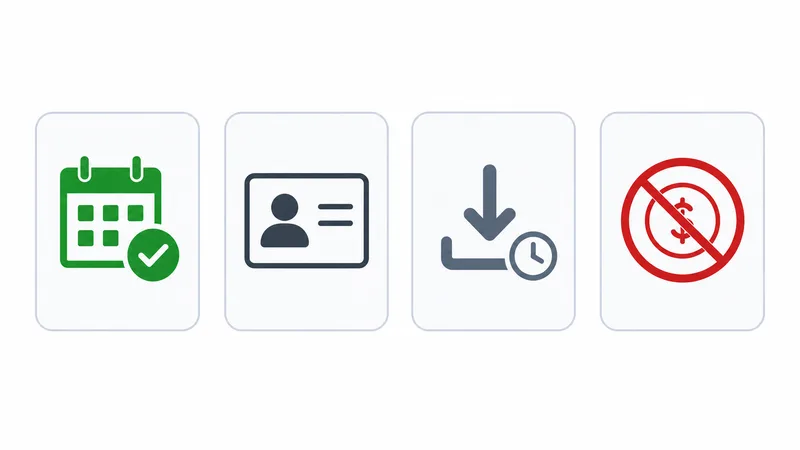
- Access: continues until the end of the paid period — cancelling stops the next charge, not immediate access.
- Profile & history: usually kept for a period, so resubscribing later resumes where you left off.
- Downloads: stop working and expire once access ends.
- Refunds: generally not for the current period — you use the remaining paid time.
The Bottom Line
Cancelling is simple once you know where you subscribed: the service’s account page for web signups, or the App Store/Google Play for those. You keep access to the end of the paid period, your profile is kept for later, and downloads expire. Set a reminder near the renewal date so you cancel in time — ideal for rotating subscriptions. See our save on streaming guide, understand account sharing rules, compare prices in our European streaming prices guide, and look up any term in the streaming glossary.