To rotate streaming subscriptions, subscribe to one service at a time around what you want to watch, cancel before it renews, and move to the next — keeping a free public broadcaster running throughout. Services keep your profile, so you’re pausing, not starting over. This guide gives a 12-month rotation plan, what to watch each month, and how to cancel safely. It’s the biggest single saver in our save on streaming guide.
Why Rotating Works
Streaming services are monthly, no contract, and keep your profile. So you can subscribe the month you’ll watch something, cancel before it renews, and return later where you left off. Instead of paying for three services year-round, you pay for one at a time — often halving your bill. Keep a free public broadcaster running throughout for everyday viewing at no cost.
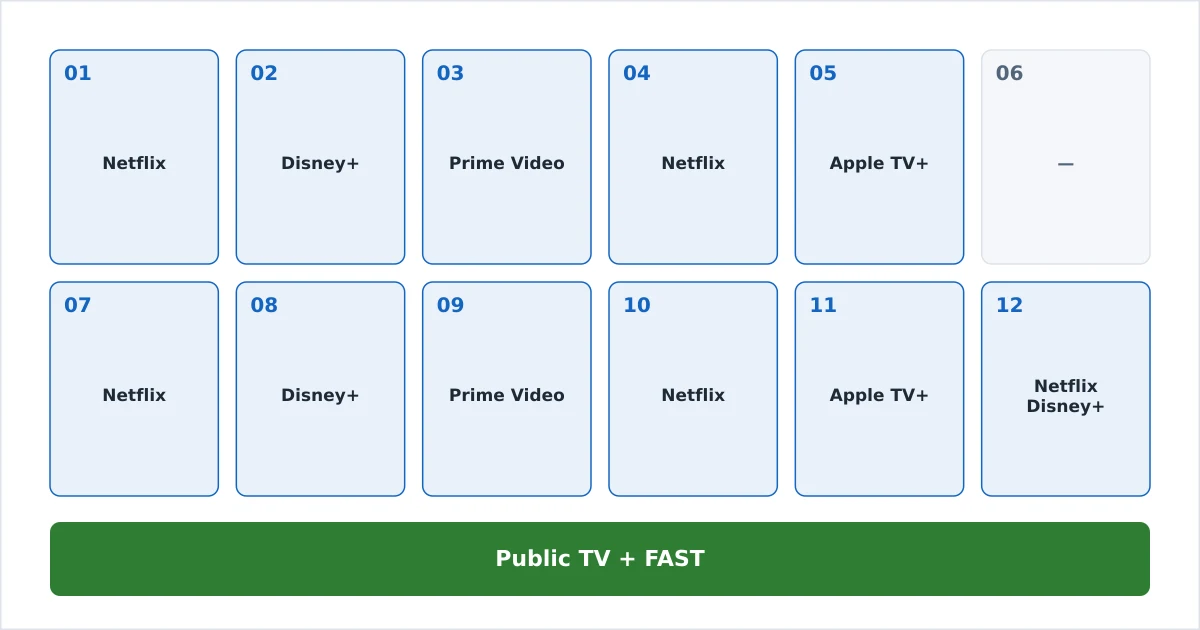
A Sample 12-Month Rotation
Line up one service per month around releases (illustrative):
| Month | Service | Why |
|---|---|---|
| Jan | Netflix | New-season binge |
| Feb | Disney+ | Marvel/Star Wars series |
| Mar | Prime Video | Originals + it’s cheap with Prime |
| Apr | Netflix | Catch up on releases |
| May | Apple TV+ | Prestige drama |
| Jun | (free only) | Public TV + FAST; save |
| Jul | Netflix | Summer releases |
| Aug | Disney+ | Family content for holidays |
| Sep | Prime Video | New originals |
| Oct | Netflix | Autumn line-up |
| Nov | Apple TV+ | Award-season films |
| Dec | Netflix or Disney+ | Holiday viewing |
Adjust to your own must-watch list — the point is one paid service at a time, plus the free layer always on.
How to Cancel Safely
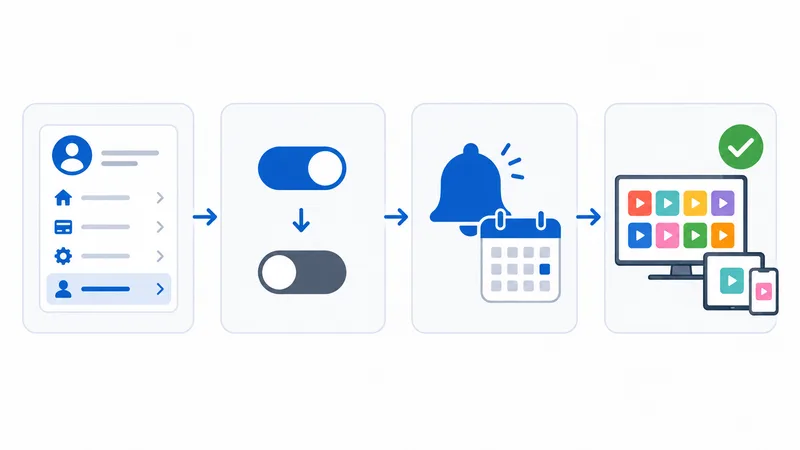
- Subscribe the month you’ll watch — ideally on an ads tier if it suits.
- Set a reminder a few days before the renewal date.
- Turn off auto-renewal / cancel via the account page (or app store if you subscribed there).
- Keep watching until the paid period ends — cancelling doesn’t cut you off immediately.
- Return later — your profile and history are kept, so you pick up where you left off.
The Bottom Line
Rotating subscriptions is the single biggest way to cut a streaming bill: one paid service at a time, chosen around what you’ll actually watch, with a free public broadcaster always on. It takes a few minutes a month, and your profile survives cancelling. If that’s too much admin, one core service plus the free layer is a simpler alternative. See the full picture in our save on streaming guide, understand the account sharing rules and ad tiers, lean on free services, and look up any term in the streaming glossary.