Sideloading means installing an app from outside a device’s official store, usually from an APK file, rather than through the built-in app store. On streaming devices like Fire TV and Android TV it is a common way to add apps the store does not carry. It is legal and often useful, but because sideloaded apps skip the store’s safety checks, the source of the file matters a great deal. This guide explains how sideloading works, when to use it, and how to stay safe.
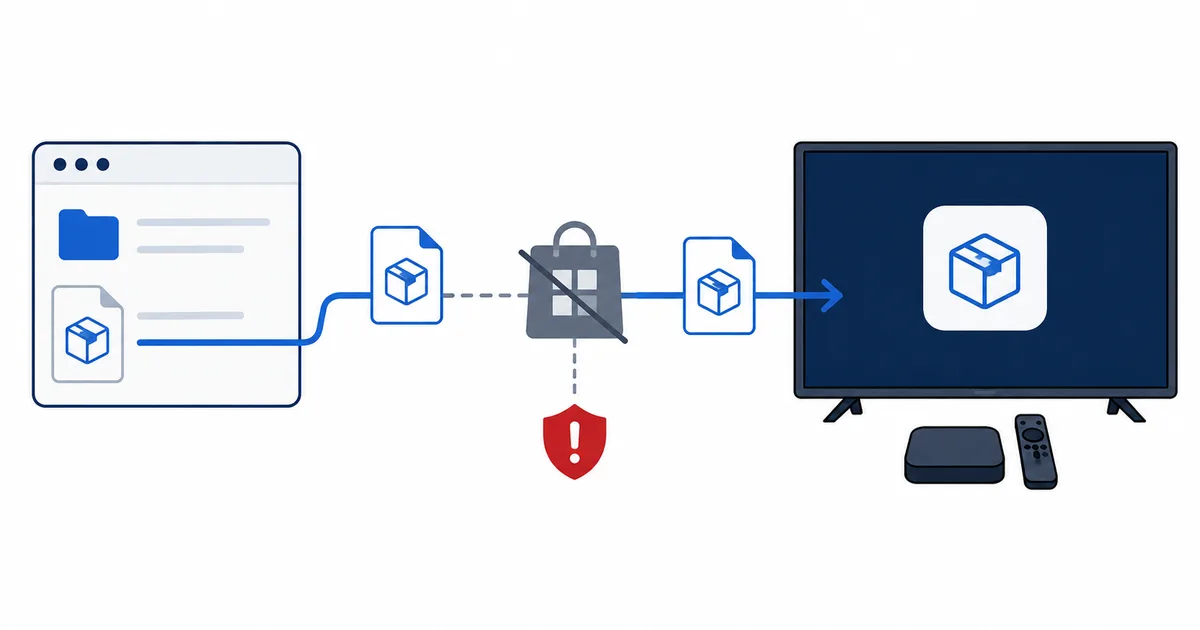
What Sideloading Is
Normally you install apps from an official store — the Google Play Store or Amazon Appstore. The store hosts the app, checks it, and installs it for you.
Sideloading skips that. You obtain the app’s APK file (Android Package Kit — the installer format for Android apps) and install it directly. The app then works like any other, but you have taken on the store’s usual job of vetting where it came from.
Why People Sideload
Sideloading fills gaps the store leaves:
- An app is missing from your store — common on Fire OS, whose Amazon Appstore lacks some titles that exist on Google Play.
- A specific IPTV player or media app you want is not listed — see our best IPTV players guide.
- A newer or regional version of an app is not yet in your store.
- A utility such as a file manager or launcher.
It is a routine part of getting the most from Android-based devices, not an exotic hack.
How Sideloading Works
The steps are similar across devices. On Fire TV, for example:
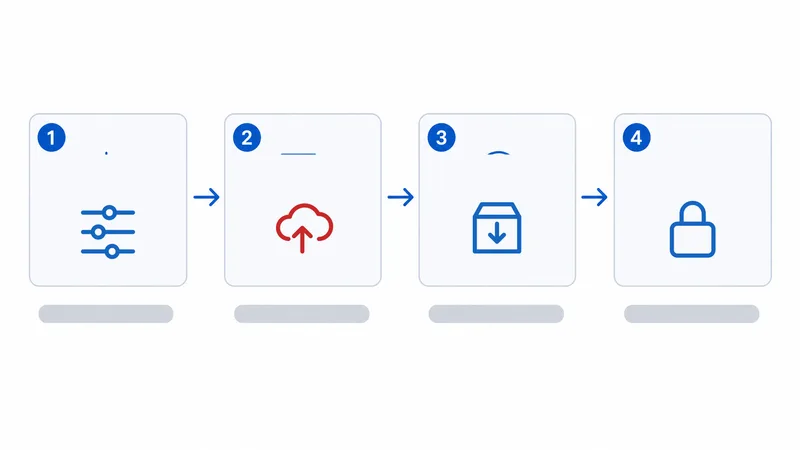
- Allow it. In Settings, enable Apps from Unknown Sources for the app you will use to install (a file manager or helper app).
- Get the APK. Download it from a trusted source — ideally the developer’s official site or a reputable repository.
- Install. Open the APK with your file manager and confirm the install.
- Launch and manage. The app appears with your others; you can update or remove it later.
- Turn the setting back off when done, for safety.
On Android TV / Google TV, the process mirrors this — enable installs from your chosen source, then install the APK.
Tip: keep sideloaded apps updated. Because they bypass the store, they will not always auto-update — check the developer's site periodically, or use a trusted app that manages updates for you.
Risks and Safe Rules
The convenience comes with real risk, because you skip the store’s checks. Know the difference between safe and unsafe sources:
| Source | Safe? | Note |
|---|---|---|
| Developer’s official site | ✅ Yes | The safest option |
| Well-known reputable repository | ✅ Usually | Verify it is the genuine app |
| Random forum or link | ⚠️ Risky | Unknown provenance |
| “Cracked” / modded APKs | ❌ No | Common malware and legal risk |
Safe rules to follow:
- Only install APKs from the developer or a reputable source.
- Avoid cracked, modded or “premium unlocked” APKs — these frequently carry malware.
- Re-disable Unknown Sources after installing.
- Consider security — a device that also runs a VPN and gets updates is a safer home for sideloaded apps.
Warning: sideloading an app is only as safe as the file. A legitimate app from its developer is fine; a "free premium" APK from an unknown link is a classic malware vector. When in doubt, don't install it.
Is It Legal?
Sideloading itself is legal in most countries — Android deliberately allows installing from other sources, and many legitimate apps are distributed this way. What matters is the app and how you use it:
- Legal: installing a genuine app that simply is not in your store.
- Not legal: using sideloaded apps to access content you have no rights to — the same principle as with M3U playlists and IPTV. WatchlyGuide covers licensed use only.
The Bottom Line
Sideloading is simply installing an app from an APK outside the official store — a normal, legal way to add apps your device’s store lacks, especially on Fire OS. The catch is that you skip the store’s safety net, so the source of the APK is everything: stick to the developer or a reputable repository, avoid cracked files, and re-disable Unknown Sources afterwards. Used sensibly, it is a handy tool; used carelessly, it is a malware risk.
Next, see how the platforms differ in Android TV vs Google TV vs Fire OS, or find apps worth installing in the best IPTV players guide.
Not sure about a term on this page? Look it up in the streaming glossary.