The fastest fix for a streaming-app login error is to re-enter or reset your password, sign out other devices if you’ve hit the plan limit, and set the device’s date and time to automatic — a wrong clock silently breaks secure logins. This guide lists causes by likelihood, gives graduated diagnosis steps, and includes a diagnosis table and per-app tips. It pairs with our app crashing guide.
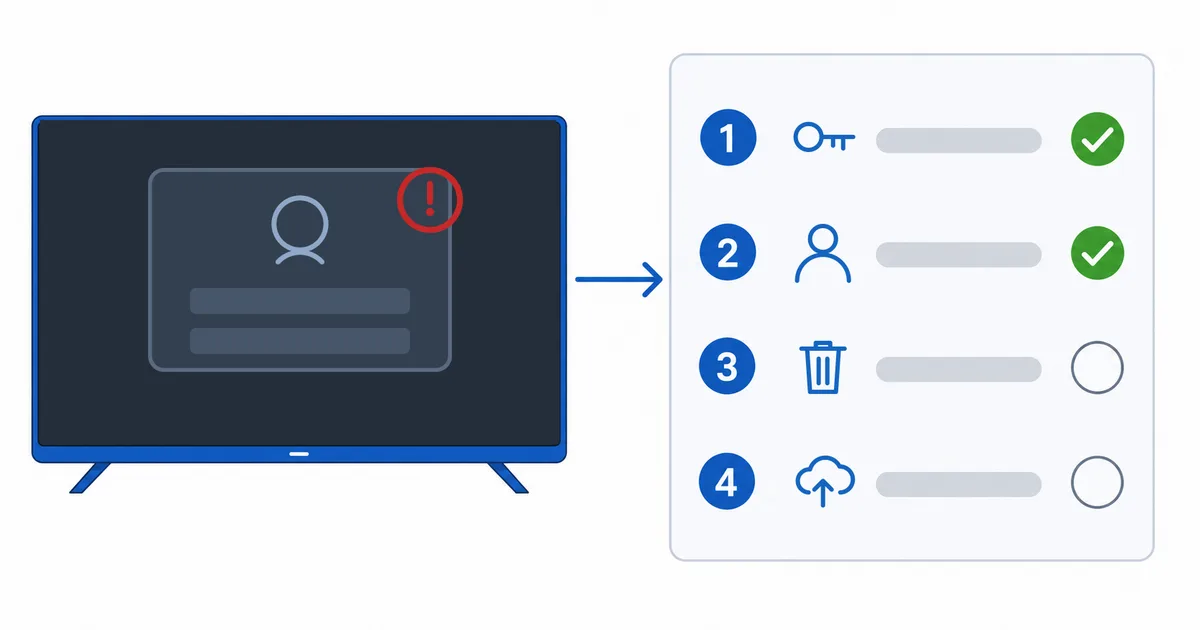
Causes, Most to Least Common
- Wrong password — a typo or a password changed elsewhere.
- Device limit reached — too many devices signed in for the plan.
- Wrong date/time — breaks the secure certificate handshake.
- Outdated app / bad token — needs an update or reinstall.
- Outage or account hold — service down, or a payment/subscription issue.
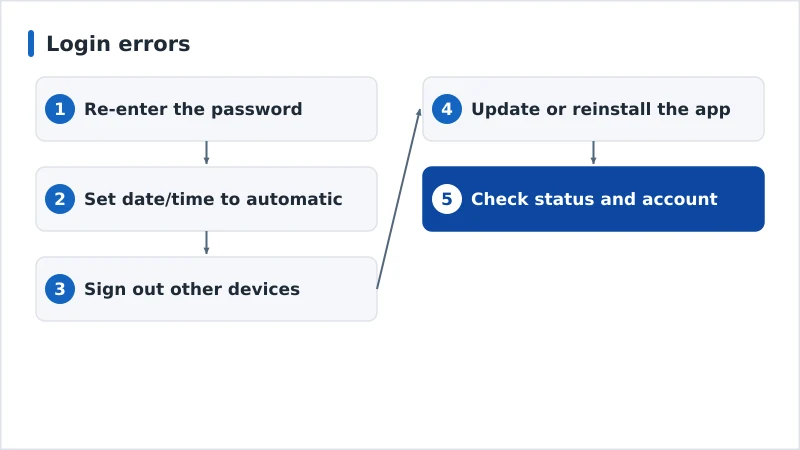
Diagnosis: Easiest First
- Re-enter the password carefully; reset it if unsure.
- Set date and time to automatic and restart — fixes many baffling errors.
- Sign out other devices if you’ve hit the device limit.
- Update or reinstall the app to clear a bad login token.
- Check status and account — the service’s status page, and your subscription/payment.
Diagnosis Table
| Symptom | Likely cause | Fix |
|---|---|---|
| “Incorrect password” | Typo / changed password | Re-enter or reset the password |
| “Too many devices” | Device limit reached | Sign out other devices; upgrade plan |
| Login fails with right password | Wrong date/time | Set date/time to automatic; restart |
| Keeps logging out | Outdated app / bad token | Update or reinstall the app |
| Works on phone, not TV | App/device issue | Update TV app; reinstall; restart |
| Nobody can log in | Service outage | Check status page; wait it out |
By App / Device
- On the TV device: update the app, clear its cache (see app crashing guide), and reinstall if login fails repeatedly.
- Account-side (Netflix, Disney+, etc.): use the website to reset the password and sign out all devices; check the subscription and payment.
- Date/time: set to automatic in device settings — the most overlooked login fix.
- Whole-service outage: check the provider’s status; nothing to fix on your end but wait.
The Bottom Line
Most login errors are simple: re-enter or reset the password, fix the device’s date and time, and sign out other devices if you’ve hit the plan limit. Update or reinstall the app for a clean token, and check the service isn’t simply down. Fix related app problems in our app crashing guide, connection issues in our device not connecting to Wi-Fi guide, pick a reliable streaming device, and start from our streaming troubleshooting checklist, and look up any term in the streaming glossary.