The fastest fix for a remote not working is to replace the batteries and re-pair it — hold the pairing button (e.g. Home on Fire TV) for about 10 seconds after restarting the device. Meanwhile, the free phone app for your device works as a full remote. This guide lists causes by likelihood, gives graduated diagnosis steps, and includes a diagnosis table and per-device pairing steps. For pairing a replacement, see our universal remote setup guide.
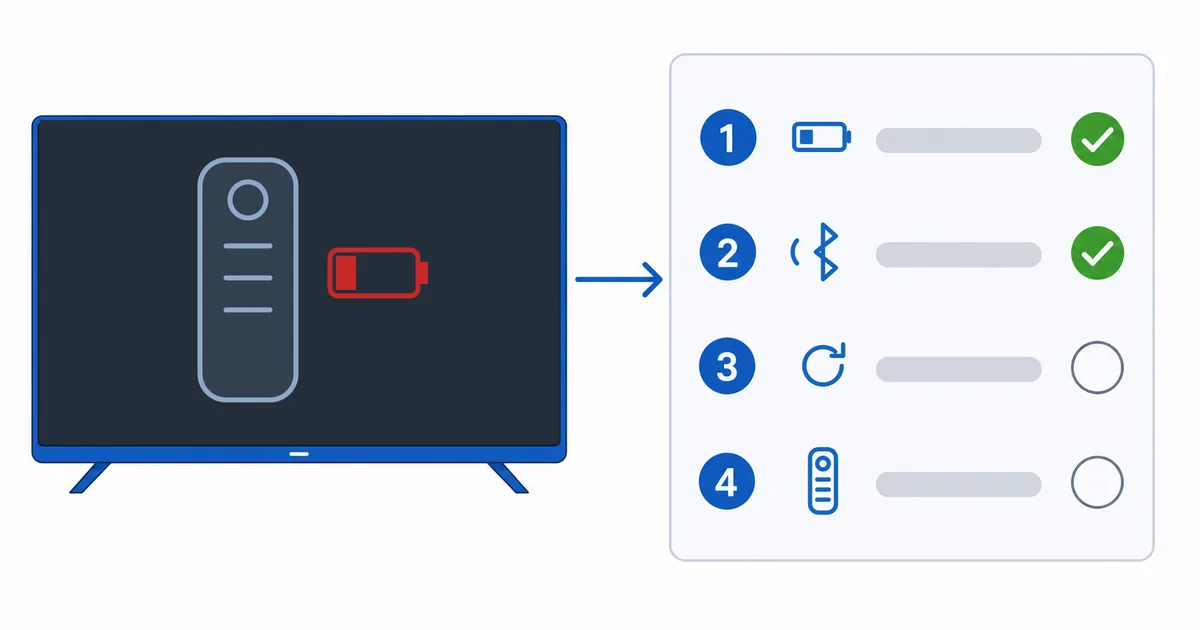
Causes, Most to Least Common
- Dead or weak batteries — by far the most common; try this first.
- Lost Bluetooth pairing — needs re-pairing to the device.
- Interference or out of range — other wireless gear, USB 3.0 ports, obstructions.
- Stuck button — a jammed key holding input.
- Faulty remote — rare; use the phone app or a replacement.
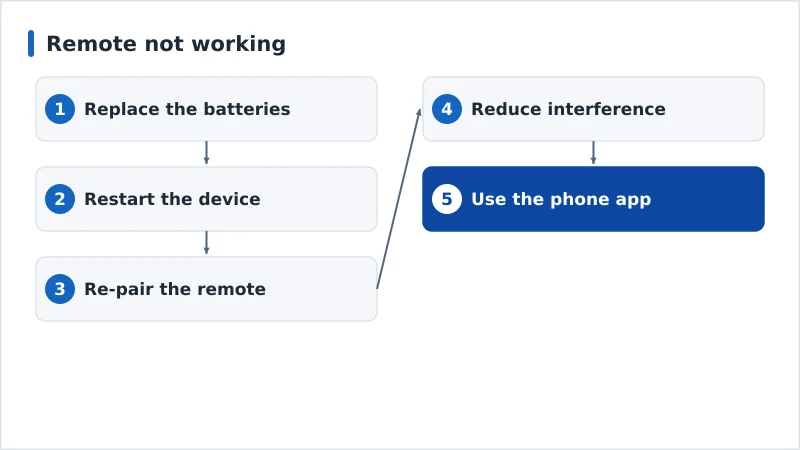
Diagnosis: Easiest First
- Replace the batteries (or charge) — the number-one fix.
- Restart the device — power-cycle to clear glitches.
- Re-pair the remote — hold the pairing button ~10 seconds (see per-device below).
- Reduce interference — move the device, remove obstructions, keep wireless gadgets away.
- Use the phone app — keep control while you troubleshoot, or as a permanent backup.
Diagnosis Table
| Symptom | Likely cause | Fix |
|---|---|---|
| No response at all | Dead batteries | Replace batteries or charge |
| Was fine, now nothing | Lost pairing | Re-pair the remote |
| Works intermittently | Weak batteries / interference | New batteries; reduce interference |
| Some buttons only | Stuck button / partial fault | Free the button; try phone app |
| Nothing after batteries | Faulty remote | Use phone app; get a replacement |
By Device
- Fire TV: hold Home ~10s to re-pair; restart first if needed. The Fire TV app works as a remote.
- Apple TV: hold Back + Volume Up near the device to pair; charge the Siri Remote; use the iPhone Remote in Control Centre.
- Android TV / Google TV: re-pair in Settings → Remotes & accessories; use the Google TV/Android TV app.
- Universal / IR remotes: need line of sight and correct programming — see our universal remote setup guide.
The Bottom Line
A remote that stops working is nearly always batteries or a lost pairing: replace the batteries, restart the device, and re-pair. Keep the free phone app installed as an instant backup and for easier typing. For interference, move the device and clear the line of sight. Pair a replacement with our universal remote setup guide, fix related issues in our app crashing guide, pick a device in our best streaming devices guide, and start from our streaming troubleshooting checklist, and look up any term in the streaming glossary.