A streaming protocol is the set of rules that decides how video is packaged into chunks and delivered to your player. The three names you will meet most are HLS, MPEG-DASH and RTMP: HLS and DASH are modern adaptive protocols that stream video in segments over ordinary web (HTTP) connections, while RTMP is an older protocol now used mainly to send a live feed up to a server. This guide explains each one, where it is used, and why HLS dominates today.
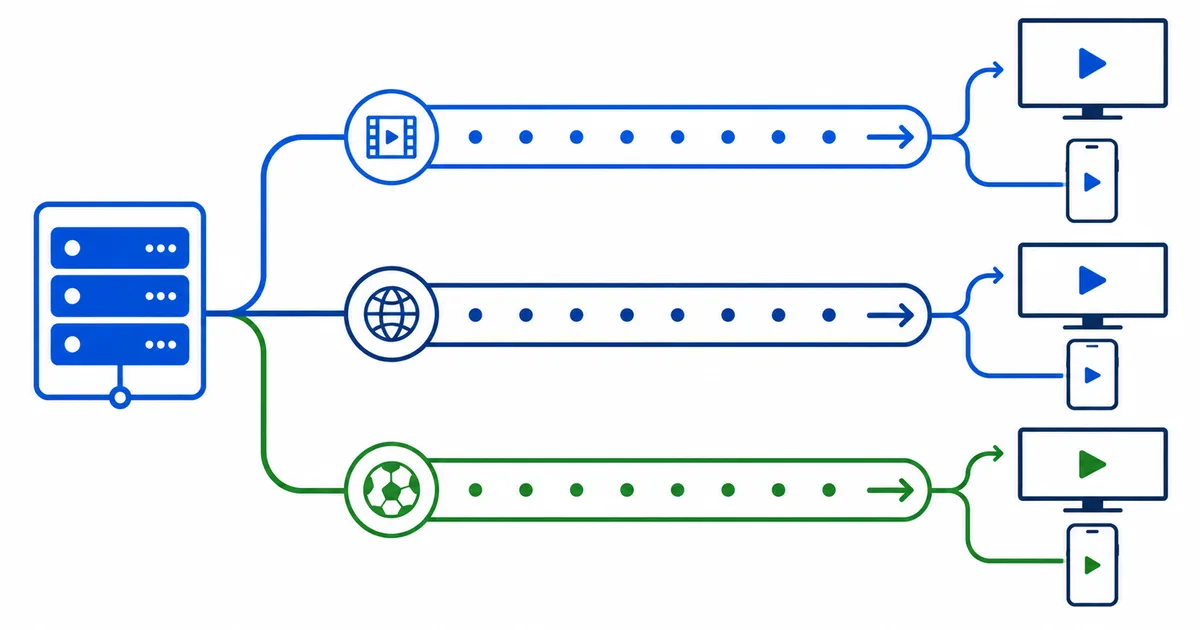
What a Streaming Protocol Does
Once video is compressed by a codec, it still needs a way to travel to your screen. That is the protocol’s job. A modern streaming protocol:
- Splits the video into short segments, typically 2–10 seconds each.
- Describes the available quality levels in a text file called a manifest.
- Lets your player request segments over standard HTTP, one at a time.
- Enables adaptive bitrate, so quality shifts with your connection.
This chunked, HTTP-based design is why streams scale to millions of viewers through a CDN and play in ordinary browsers and apps.
HLS (HTTP Live Streaming)
HLS was created by Apple and is the most widely supported protocol in the world. It uses a .m3u8 manifest — the same family as an M3U playlist — that lists each segment and quality level.
- Strengths: universal support (mandatory on iPhone/iPad, works everywhere), reliable, well documented.
- Trade-offs: traditional HLS adds latency (often 6–30 seconds), though Low-Latency HLS narrows that gap.
- Used by: Apple devices, most live TV, and a huge share of on-demand services.
If you only remember one protocol, remember HLS — it is the safe default for compatibility.
MPEG-DASH
MPEG-DASH (Dynamic Adaptive Streaming over HTTP) is the open, international-standard equivalent of HLS. It uses an .mpd manifest and is codec-agnostic, meaning it works with any codec, including efficient ones like H.265 and AV1.
- Strengths: open standard, codec flexibility, efficient for large on-demand libraries.
- Trade-offs: not natively supported on Apple’s HLS-first ecosystem, so services often ship both.
- Used by: YouTube, Netflix and many large on-demand platforms.
HLS and DASH are technically close cousins; the choice is usually about device support and licensing, not viewer experience.
RTMP (Real-Time Messaging Protocol)
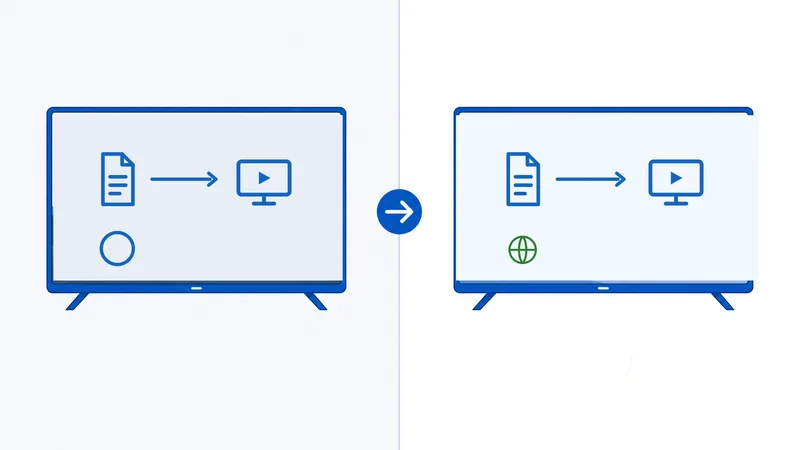
RTMP is older and works differently. Originally built for Flash, it is now rarely used for playback, but it is still common for ingest — pushing a live feed from an encoder or software like OBS up to a streaming server.
- Strengths: low latency on the first leg, widely supported by encoders and live platforms for contribution.
- Trade-offs: poor for last-mile delivery, not adaptive, blocked by some firewalls, no browser playback.
- Used by: the path from a streamer’s encoder to platforms like Twitch or YouTube Live, which then repackage into HLS/DASH for viewers.
Key point: when you watch a live stream, RTMP may carry it to the server, but HLS or DASH almost always carries it the last mile to you.
Side-by-Side Comparison
| Protocol | Manifest | Adaptive? | Typical use | Latency |
|---|---|---|---|---|
| HLS | .m3u8 | Yes | Delivery to any device, live TV | 6–30s (Low-Latency HLS lower) |
| MPEG-DASH | .mpd | Yes | On-demand delivery at scale | Similar to HLS |
| RTMP | None | No | Ingest from encoder to server | ~2–5s |
The practical takeaway: HLS and DASH deliver to viewers; RTMP contributes to servers. For compatibility, HLS wins; for open codec flexibility on demand, DASH is common; and RTMP quietly handles the upload side of live streaming.
The Bottom Line
Streaming protocols are the packaging-and-delivery rules beneath every video you watch. HLS is the universal default, DASH is its open, codec-flexible counterpart used by giants like YouTube and Netflix, and RTMP survives mainly for getting live feeds up to a server. As a viewer you rarely choose one — but knowing which is which explains latency, compatibility and why live streams lag behind real time.
To go deeper on the layers around protocols, read about video codecs and how streaming actually works.
Not sure about a term on this page? Look it up in the streaming glossary.