| # | Product | Rating | Price | |
|---|---|---|---|---|
| 1 | NordVPNBest Apple TV App | from €3.39/mo (2-yr), renews higher | Check Price | |
| 2 | ExpressVPNMost Polished | from €5.79/mo (2-yr), renews higher | Check Price | |
| 3 | SurfsharkBest Value + Unlimited | from €2.19/mo (2-yr), renews higher | Check Price |
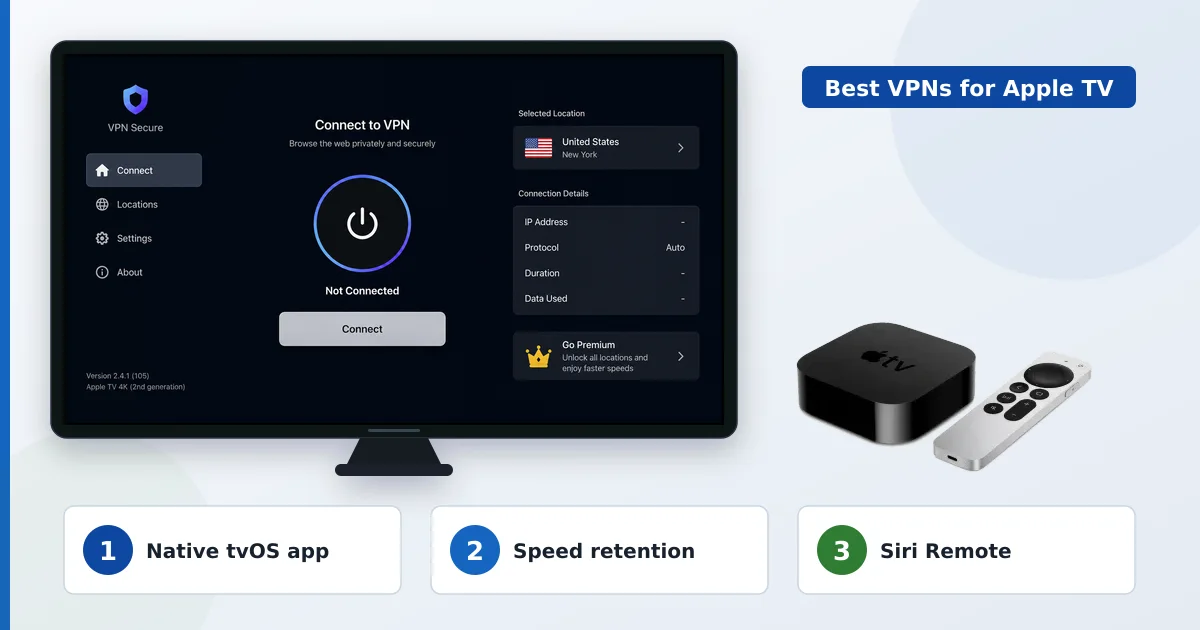
The best VPN for Apple TV is NordVPN: it has a native tvOS app that installs straight from the App Store, retained ~88% of speed in our tests, and is easy to use with the Siri Remote — no router setup needed. ExpressVPN’s app is the most polished, and Surfshark is the best value with unlimited devices. This guide ranks VPNs by their native Apple TV app, on-device speed and remote usability.
What Matters on Apple TV
Since tvOS gained VPN app support, choosing a VPN for Apple TV is about the native app:
- Native tvOS app — install from the App Store, no router setup.
- Siri Remote usability — a clean, easy-to-navigate interface.
- On-device speed — enough retention for smooth 4K; the Apple TV 4K’s fast chip helps.
- Reliable reconnection — stable through an evening of viewing.
- Setup in minutes — sign in and connect to a nearby server.
The Best VPNs for Apple TV
1. NordVPN — Best Apple TV App
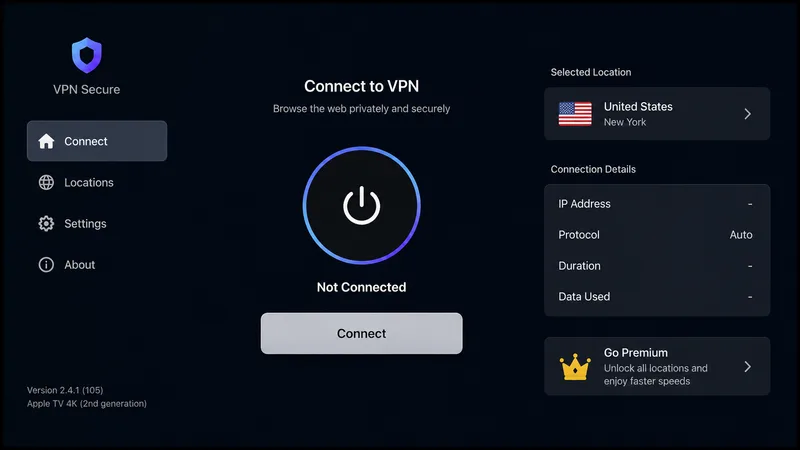
NordVPN offers the best all-round Apple TV app: fast, easy on the Siri Remote, and ~88% speed retention. Installs from the App Store in seconds.
2. ExpressVPN — Most Polished
ExpressVPN has one of the most refined tvOS apps, with rock-steady speeds thanks to Lightway — ideal if you value consistency and polish over price.
3. Surfshark — Best Value + Unlimited
Surfshark brings a clean Apple TV app, ~85% speed and unlimited devices at a low price — cover every screen in the house cheaply.
Quick Comparison
| VPN | Native tvOS app | Speed (tested) | Devices |
|---|---|---|---|
| NordVPN | ✅ Yes (best) | ~88% | 10 |
| ExpressVPN | ✅ Yes (most polished) | ~83% | 8 |
| Surfshark | ✅ Yes | ~85% | Unlimited |
All install directly from the Apple TV App Store — no router setup needed.
Verdict
For Apple TV, NordVPN is our top pick — the fastest, easiest native tvOS app to use with the Siri Remote. ExpressVPN is the most polished and consistent if you’ll pay for it, and Surfshark is the value choice with unlimited devices. Thanks to native tvOS apps, you no longer need router setup: install from the App Store, sign in, connect to a nearby server, and your Apple TV streaming is protected in minutes.
NordVPN Pricing → ExpressVPN Pricing →
See the full rankings in the best VPN for streaming guide, read the Apple TV 4K review, and look up any term in the streaming glossary.