| # | Product | Rating | Price | |
|---|---|---|---|---|
| 1 | Amazon Fire TV Stick 4KBest Value for a Second TV | ≈ €45 | Check Price | |
| 2 | Chromecast with Google TVSimple Alternative | ≈ €40 | Check Price |
The best bedroom or second-TV streaming setup is a cheap, simple 4K stick — the Fire TV Stick 4K (≈ €45) or Chromecast with Google TV (≈ €40) — set up in minutes, with the main challenge being the weak Wi-Fi that plagues rooms far from the router. This guide covers the right budget device, easy setup, sharing your subscriptions, and fixing weak signal. For device depth, see our Fire TV Stick 4K review and best device under €50 guide.
The Device: Cheap and Simple
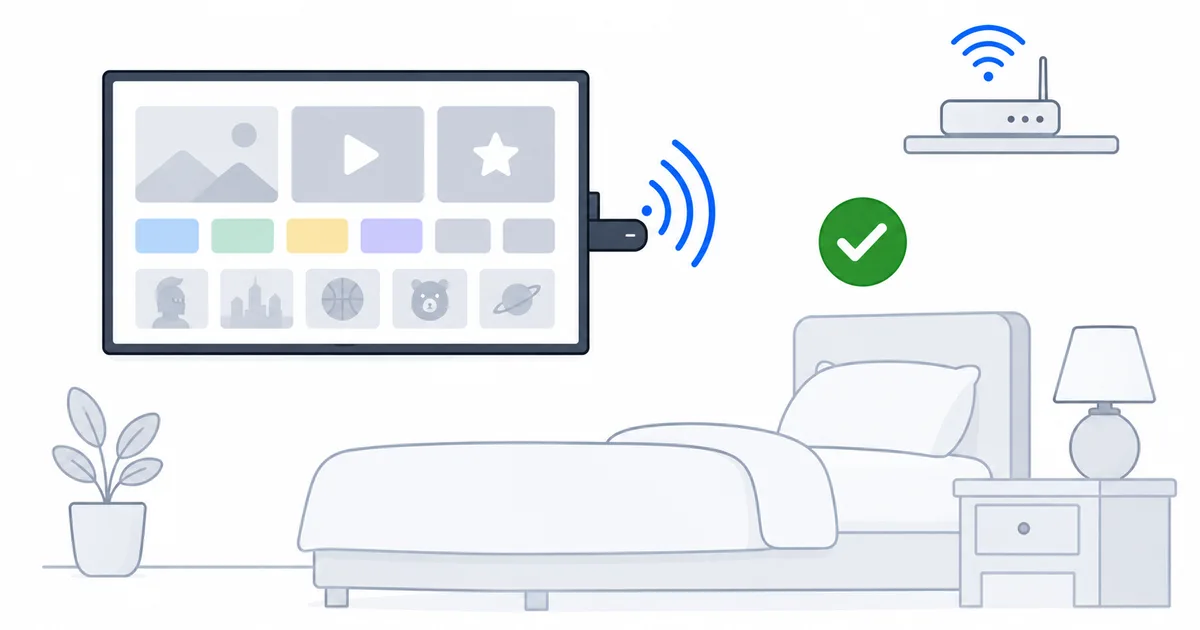
For a secondary screen, spend little: a Fire TV Stick 4K (≈ €45) or Chromecast with Google TV (≈ €40) runs every app, sets up in minutes, and is all a bedroom needs. See the best device under €50 guide for the full budget field. Match it to the TV — a cheaper HD stick suits an older 1080p set.
Check Fire TV Stick 4K on Amazon →
Keep It Simple
- One or two apps — a bedroom TV rarely needs the full app roster.
- A profile for the room — so recommendations suit whoever watches there.
- Share your subscriptions — a second TV uses one of your plan’s simultaneous streams within your household.
The Real Challenge: Weak Wi-Fi
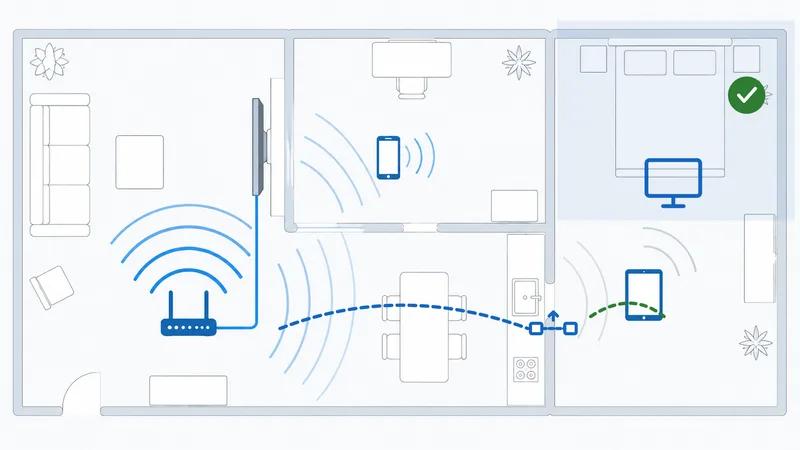
Bedrooms are often the farthest room from the router, so weak Wi-Fi and buffering are the main issue. Fixes, easiest first:
- Reposition the router more centrally, or move the stick with an HDMI extender.
- Use 5 GHz if the room is close enough; 2.4 GHz for distance.
- Add a mesh node near the bedroom to remove the dead zone.
- Use a powerline Ethernet adapter for a wired-quality link to a distant room.
Full detail in our fix weak Wi-Fi guide and buffering guide.
The Bottom Line
A bedroom or second-TV setup should be cheap and simple: a €40–45 4K stick, one or two apps, a profile for the room, and your existing subscriptions shared within the household. The one thing to plan for is weak Wi-Fi in a room far from the router — a mesh node or powerline adapter is the reliable fix. See our best device under €50 guide, the Fire TV Stick 4K review, fix signal in our weak Wi-Fi guide, check stream limits in our multi-device limits guide, and look up any term in the streaming glossary.